The Moveee team
Free coaching · a real route for every ride
It's easy to describe an indoor app feature by feature and still leave you unsure what a ride actually feels like from the inside. So instead of a list, here's a single ride followed all the way through — from a cold trainer and a closed browser to a finished session sitting on Strava — using Moveee Indoor, our browser-based indoor app. No installs anywhere in it, and nothing left out.
One ride, start to finish
Eight beats, in order. The whole thing, the first time, takes about five minutes of setup and then it's just riding.
Open a tab
Point Chrome or Edge at Moveee Indoor. No download, no launcher, no update to sit through — the page loads and you're at the door, on whatever machine you're sat at.
Pair your trainer
Hit connect and the browser talks straight to your smart trainer over Web Bluetooth. Your power meter and heart-rate strap pair the same way, in a few seconds each.
Pick a road or a workout
Choose one of your own saved routes to ride as a real 3D world, or load a structured ERG workout for the session. Or both — ride your intervals along a road you know.
Ride the real world
The route builds itself around you from the map — streets, buildings, bridges, the lot. Off a workout, the resistance follows the road's real gradient; when it ramps up outside, it ramps up under your legs.
Let ERG hold the watts
In a workout, the trainer locks each interval's target for you — you just keep the cadence turning while it does the maths. No chasing a number up and down.
It records, and backs itself up
Every second is captured — power, cadence, heart rate, speed, gradient, your line through the world — and saved as you go, so a dropped connection or a closed tab can't wipe the session.
Finish into full analysis
Stop pedalling and the ride saves as a virtual ride with the works: power streams, NP, IF, TSS, best efforts and plan compliance — the same analysis an outdoor ride gets.
One tap to Strava
It lands on your calendar and counts toward your training plan, and a single tap publishes it to Strava — with a photo of the virtual world you just rode through.
That's the loop. Notice there's no seam in it where the indoor part gets second-class treatment — the recording, the analysis and the upload are the same ones your outdoor rides go through. Let's slow down on the two steps riders ask about most.

Pairing (step two), in a bit more detail
The connection is the part people expect to be fiddly, and it's genuinely the simplest bit. When you click connect, the browser opens a short Bluetooth picker, you choose your trainer from the list, and that's it — it's the standard FTMS trainer protocol, so Wahoo, Tacx, Elite, Saris and most others just work. Power meters connect over CPS and heart-rate straps over the standard profile, each in its own quick tap. There's no ANT+ dongle to find, no separate app to bridge the signal. If it ever sulks, connecting a smart trainer in the browser covers the handful of things worth checking.
The ride itself (steps four and five)
This is where a browser app has to earn its keep, and it's the part that surprises people. The world isn't a stock backdrop — it's your route, rebuilt in 3D from OpenStreetMap and real elevation data, so you ride past the actual buildings, over the actual bridges, up the actual gradient. Free-ride off the route line if you fancy exploring, or stick to it to recon a course you've got coming up.
Resistance behaves in one of two ways, depending on what you picked. On a plain ride it follows the road: the trainer gets harder as the real hill steepens and eases on the descents, so effort maps to terrain. Inside a structured workout, ERG mode takes over and simply holds each interval's target watts for you — you turn the pedals, it does the rest. If ERG is new to you, ERG mode explained is the primer.
What lands when you stop
Press stop and the ride doesn't just vanish into a file — it flows into the rest of your training on its own.
On your calendar
Sits in your log next to your outdoor rides — one continuous training history, indoors and out.
Counted in your plan
Feeds your training plan and your fitness numbers exactly like a road ride. Nothing you do indoors is stranded.
Full power analysis
NP, IF, TSS and best efforts, computed from the second-by-second streams — identical treatment to any ride.
A picture of the road
The Strava post carries a shot of the real 3D world you rode, so it looks like the ride it was.
Because it all counts toward your Moveee plan, a trainer ride on a filthy January evening does exactly the same work in your training history as a summer road ride. That's the whole point of following the loop end to end: there's no indoor silo to escape from afterwards.
The same loop, with company — or without a trainer
One variation sits on top of the very same loop without changing its shape. Haven't a trainer to hand at all? Explore mode rolls you through the world with no hardware paired — handy for walking the course of an event you've entered, or simply seeing a route in 3D before you decide it's worth riding for real. Pair or don't; the recording, the finish and the upload behave the same either way.
The honest edges
Two things to keep in view. Moveee Indoor is Chrome or Edge only — pairing needs Web Bluetooth, which Safari and Firefox don't support, so an iPhone or iPad can't run it and there's no native app that would. And it's free while in alpha: young, improving fast, and rough in places. It is a solo app: no racing scene, no group rides. Everything in the walkthrough above, though, works today — you can ride the whole loop this evening.
Ride the whole loop tonight
Open Moveee Indoor in Chrome or Edge, pair your trainer, ride a real road, and watch the finished session land on your plan and on Strava. Free while in alpha.
Runs in your browser · Chrome or Edge · no iOS · free while in alpha
Sources 7
Where this article summarises a study, the study itself is linked — not a write-up of it.
- 1 Web Bluetooth — Draft Community Group Report · Web Bluetooth Community Group (W3C) · 2024
- 2 Web Bluetooth API — browser compatibility · MDN Web Docs (Mozilla) · 2025
- 3 Fitness Machine Service 1.0 (FTMS) · Bluetooth SIG · 2017
- 4 Cycling Power Service 1.1 (CPS) · Bluetooth SIG · 2016
- 5 About OpenStreetMap · OpenStreetMap Foundation · 2025
- 6 Copernicus DEM — global and European digital elevation model · Copernicus Data Space Ecosystem (ESA) · 2025
- 7 Strava API v3 reference · Strava Developers · 2025
Your own roads, indoors, in a browser tab
Moveee Indoor pairs your smart trainer over Bluetooth and rebuilds a route you have saved as a 3D road — real gradients, ERG for the intervals, and the ride saved with full power data. Nothing to install. Free while it is in alpha.
Start an indoor rideKeep reading
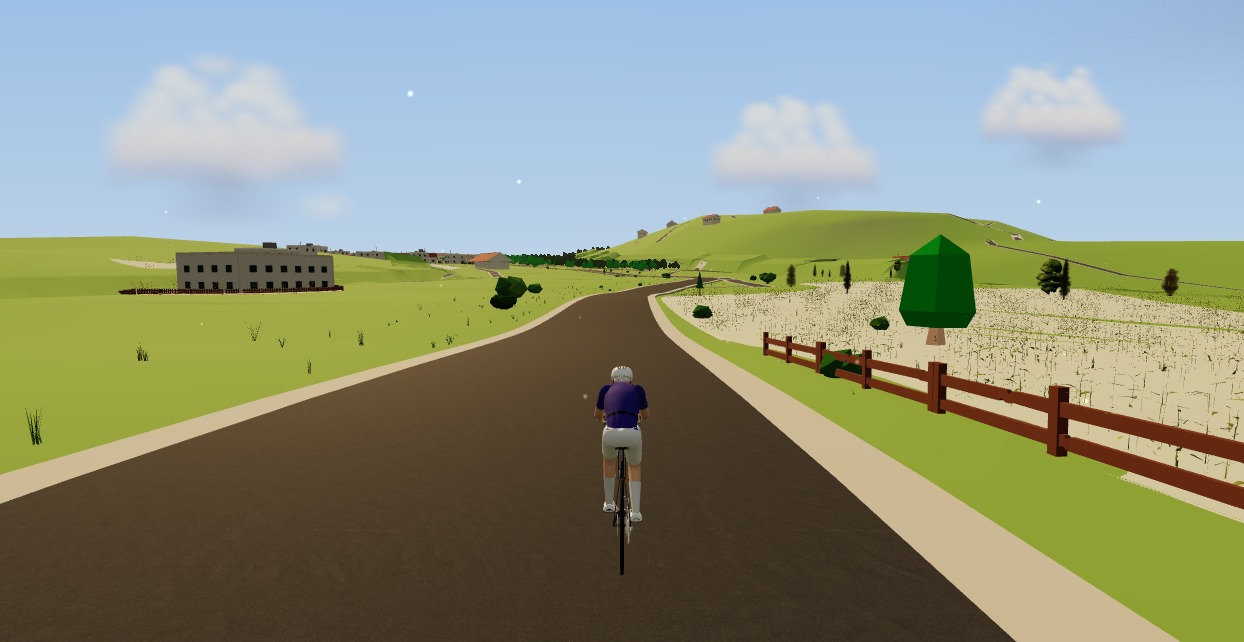
The best indoor cycling app for Mac (no download, runs in your browser)
Looking for an indoor cycling app for Mac that doesn't need a download? macOS runs a full smart-trainer session straight from a browser tab — pairing, ERG, real 3D roads and a Strava upload. Here's how, and the one thing to watch on Apple Silicon.

Indoor cycling on any device: how Moveee Indoor runs in the browser (even on a Mac)
Mac, Windows, Linux, a Chromebook or an Android tablet — if it runs Chrome or Edge, it can run a full trainer session. Here's how one browser app rides on all of them, and the one gap (iOS).

A free app for Elite smart trainers (in your browser)
Own an Elite Suito, Direto or Justo? You don't need a subscription to ride it properly. Here's a free app for Elite smart trainers that runs in your browser — FE-C/FTMS control, ERG intervals, real 3D roads and a Strava upload.

Indoor cycling on an Android tablet or phone (in the browser)
You don't need a laptop or an app-store download to train indoors. Here's how to run a full indoor cycling app on an Android tablet or phone, straight from Chrome — pairing your smart trainer over Bluetooth, holding ERG targets and saving to Strava.

An indoor cycling app for Windows with nothing to install
No admin rights, no 12 GB download, no launcher updating itself before every session. Here's how to run a full indoor cycling app on Windows with nothing to install — a browser tab, your smart trainer, and a real 3D road.
A Tacx app alternative that runs in your browser (free)
If the Tacx Training app isn't for you, you don't have to jump straight to a Zwift subscription. Here's a free Tacx app alternative that controls your Tacx Neo, Flux or Flow from a browser tab — ERG, real roads and a Strava upload included.

A free indoor ride in your browser: how far Moveee Indoor gets you for nothing
How much real indoor training can you get without paying a subscription or installing anything? Quite a lot, as it turns out. Here's the free browser setup, end to end.

How to record an indoor ride to Strava (without Zwift)
An indoor ride should count. Here's how to record an indoor ride to Strava with full power, cadence and heart-rate data — without Zwift — using a free browser app that saves the ride even if your connection drops.
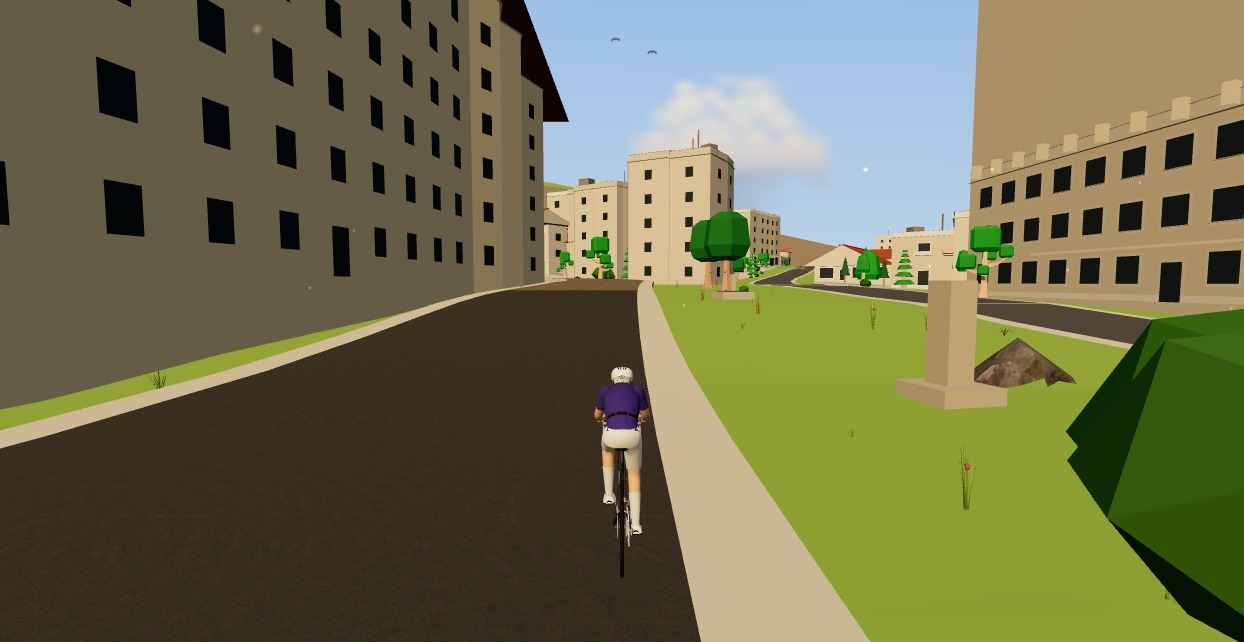
Try indoor training right now: open Moveee Indoor in your browser
No account wall, no 20-minute download before your first pedal stroke. Here's how to go from cold trainer to riding a real 3D road in about five minutes, straight from a browser tab.
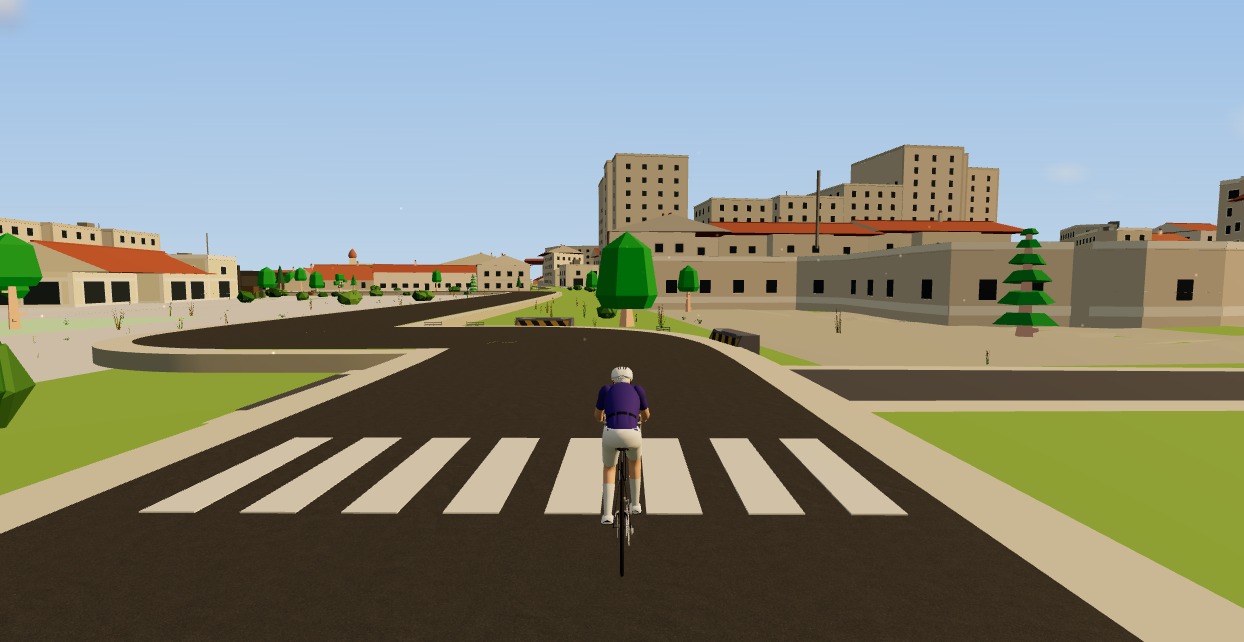
A free MyWhoosh alternative that rides your own real routes
MyWhoosh proved indoor cycling can be free. If you want a free MyWhoosh alternative that rides your own real roads instead of a fictional world — and runs in the browser with nothing to install — here's the honest comparison.
How to use an indoor cycling app without a smart trainer — a speed sensor is enough
A £30 wheel speed sensor turns any dumb trainer into a real route in a 3D world, with the ride saved to your calendar. What you need, how to set it up, and the one thing about hills you should know before your first session.
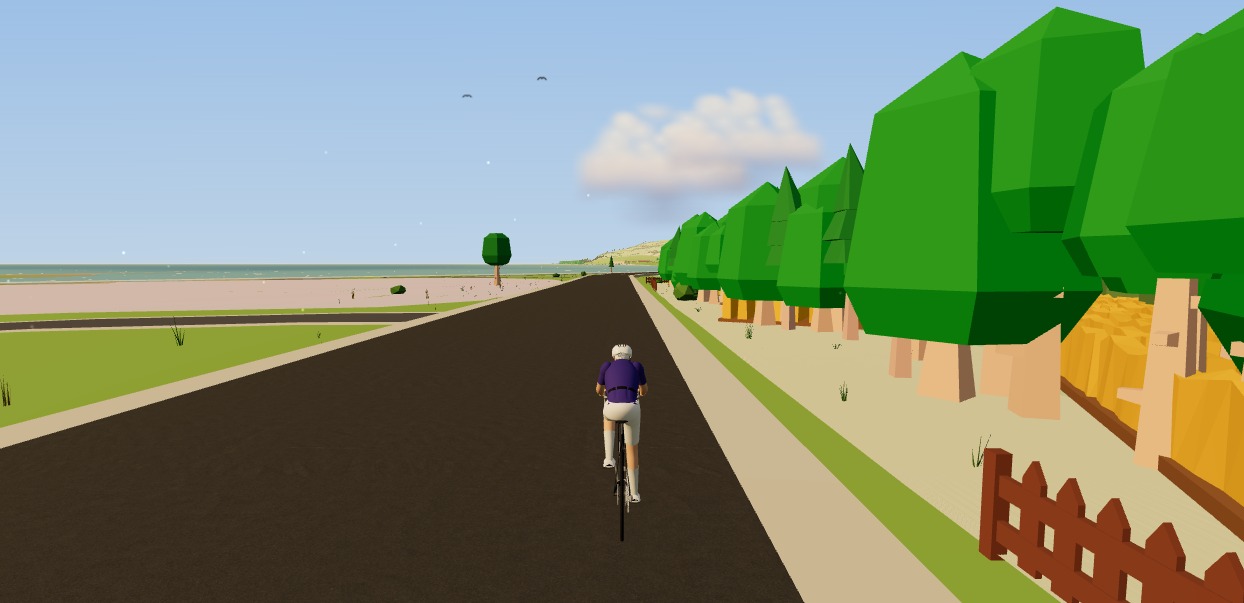
How to ride a GPX file indoors on your smart trainer
Any route you can export as a GPX file, you can ride indoors. Here's how to turn a GPX into a 3D indoor ride on your smart trainer — with real gradients driving the resistance — straight from your browser, no install.