The Moveee team
Free coaching · a real route for every ride
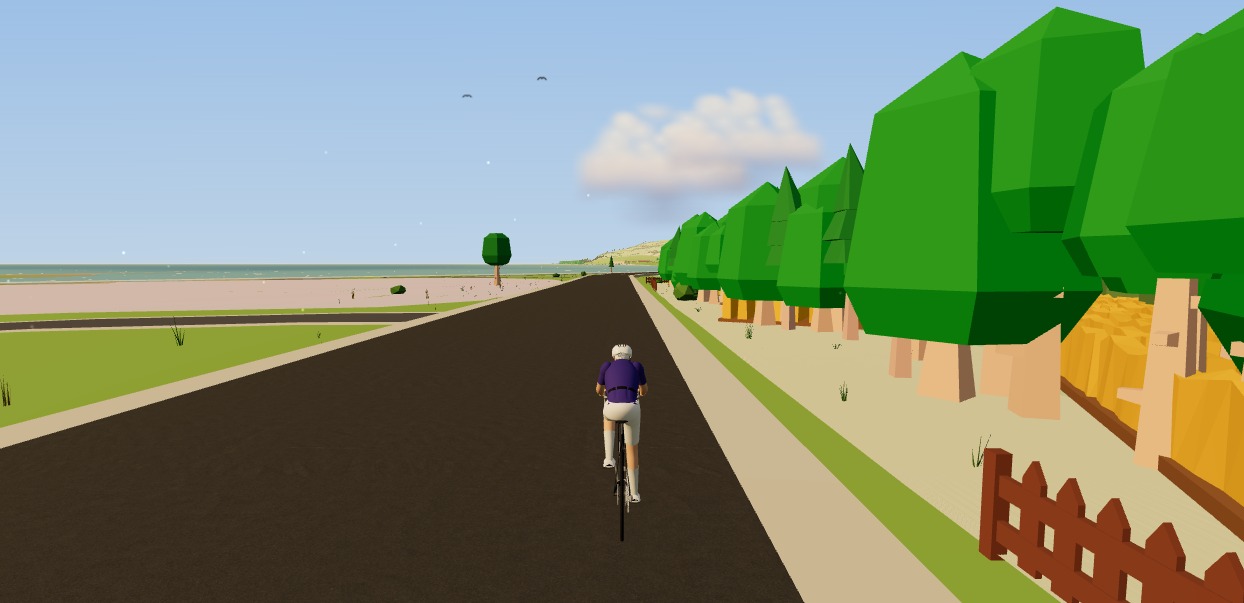
Most trainer apps still ask you to install a small game before you can ride: a download, a launcher, updates, a chunk of disk. There's another way to do it, and it's disarmingly simple — a trainer app that is just a browser tab. You open a page, it pairs with your smart trainer, and you ride a real 3D world. Nothing lands on your hard drive.
This isn't a stripped-back preview or a marketing demo. A browser can now run a full, serious trainer session end to end — ERG intervals, real-gradient resistance, a proper post-ride analysis, the ride saved to your plan. Here's what "browser-native" actually buys you, how it talks to your hardware, and the honest places it falls short. We build one of these, Moveee Indoor, so we'll use it as the worked example throughout.
What "browser-native" actually buys you
The appeal isn't novelty for its own sake. Running in the browser removes a whole category of hassle that installed apps quietly impose:
- Nothing to install or update. No multi-gigabyte download, no launcher that needs patching before your session, no disk space eaten. Close the tab and it's gone; open it and it's back.
- Always the current version. The app you load today is the latest one. There's no "please update to continue" standing between you and a warm-up.
- It follows you across machines. Your laptop, a desktop, a Chromebook, an Android tablet propped on the bars — the same tab, the same account, no per-device install.
- Lighter on hardware. No game engine to install means ordinary, years-old machines can run it. You don't need a gaming PC to ride.
How a tab talks to your trainer
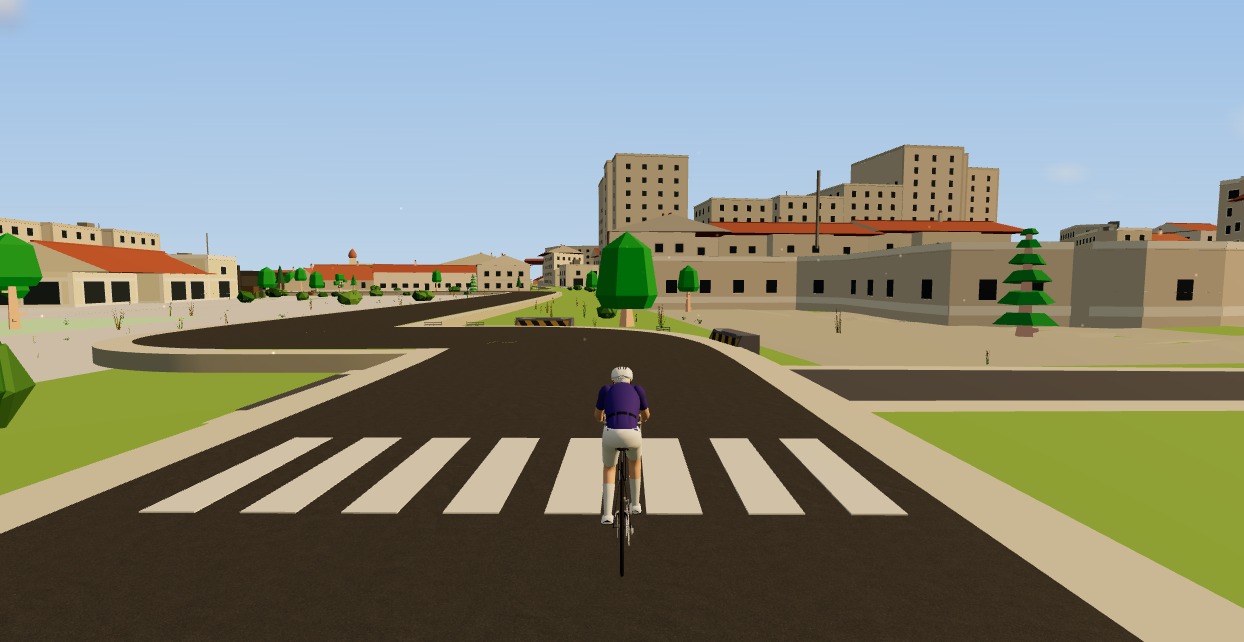
The part that surprises people: a web page can pair directly with a smart trainer, with no app and no ANT+ dongle. It uses Web Bluetooth, a browser standard that lets the page connect to Bluetooth devices — your trainer (over the FTMS standard, which covers Wahoo, Tacx, Elite, Saris and most others), a power meter (CPS) and a heart-rate strap. You click "pair", pick your trainer from the browser's own device chooser, and you're connected.
That standard is also the reason for the one hard requirement: it needs a Chromium browser — Chrome or Edge, on Windows, macOS, Linux or Android. Safari and Firefox don't support Web Bluetooth yet, and neither do browsers on iPhone or iPad, so iOS is out for now. If pairing ever plays up, our guide to connecting a smart trainer with Web Bluetooth walks through the fixes step by step.
It's a real trainer app, not a toy
Pairing is just the door. What makes it a training tool is what happens after. In a structured session, ERG mode holds each interval's target — the trainer sets the resistance so you ride the prescribed watts regardless of gear or cadence, and you just turn the pedals. There are 150+ workouts built in, and you can bring your own. New to it? ERG mode explained covers why it's the most reliable way to nail an interval indoors.
Off a workout, the resistance follows the real gradient of the road you're on — when the route climbs, the trainer loads up. And when you're done, the ride is a proper ride: full power streams, normalised power, intensity factor, TSS, best efforts and plan compliance, exactly as an outdoor ride would produce. It saves as a virtual ride, lands on your calendar, counts toward your training plan, and publishes to Strava with one tap. Nothing you do indoors is stranded in a silo.
Everything you get — no tiers
There are no unlocks or premium tiers to buy. The whole platform ships with every ride:
Zero install
Open a tab, pair, ride. No launcher, no updates, no disk space — Chrome or Edge is all it takes.
Pairs with your gear
Smart trainers (FTMS), power meters (CPS) and heart-rate straps connect over Bluetooth.
ERG mode
150+ structured workouts, or import your own — the trainer holds each interval's target watts.
Feel the road
Off a workout, resistance follows the route's real gradient, taken from real elevation data.
Full analysis
Power streams, NP/IF/TSS, best efforts and plan compliance — identical to an outdoor ride.
Counts for real
The ride saves to your calendar and training plan, and publishes to Strava with one tap.
On the road in four steps
From a cold trainer to a saved ride is about as short as it gets:
Open & pair
Open Moveee Indoor in Chrome or Edge and pair your trainer over Bluetooth — no dongle, no app.
Pick how to ride
Choose a saved route, a structured workout, or free riding through the world.
Ride
The 3D world builds itself around your route while you warm up. Then it's just riding.
It saves itself
The ride lands on your calendar with full power data, counts toward your plan, and goes to Strava if you want.
The honest limits
Being straight about the trade-offs matters more than a clean pitch. Moveee Indoor is Chrome or Edge only — the Web Bluetooth requirement rules out Safari, Firefox and all iPhones and iPads, and there's no native app to get around that. It's free while in alpha, which is honest shorthand for young: you'll find rough edges, and there's no racing scene yet. If you need a huge live racing population or you ride from an iPad, a browser app isn't your answer today.
But if what you want is a real trainer session — ERG intervals, real roads, full data, saved to your plan — with nothing to install and nothing to keep updated, a tab genuinely does the job now. The best way to judge it is to open it and pair.
A whole trainer app, in one tab
Open Moveee Indoor, pair your trainer over Bluetooth, and ride a real 3D road. ERG, full analysis, straight to your plan and Strava.
Runs in your browser · Chrome or Edge · no iOS · free while in alpha
Sources 6
Where this article summarises a study, the study itself is linked — not a write-up of it.
- 1 Web Bluetooth (Draft Community Group Report) · W3C Web Bluetooth Community Group · 2024
- 2 Web Bluetooth API — browser compatibility · MDN Web Docs (Mozilla) · 2024
- 3 Fitness Machine Service 1.0 · Bluetooth SIG · 2017
- 4 Cycling Power Service 1.1 · Bluetooth SIG · 2016
- 5 Copyright and License · OpenStreetMap Foundation · 2024
- 6 Strava API v3 reference · Strava Developers · 2024
Your own roads, indoors, in a browser tab
Moveee Indoor pairs your smart trainer over Bluetooth and rebuilds a route you have saved as a 3D road — real gradients, ERG for the intervals, and the ride saved with full power data. Nothing to install. Free while it is in alpha.
Start an indoor rideKeep reading

A free app for Elite smart trainers (in your browser)
Own an Elite Suito, Direto or Justo? You don't need a subscription to ride it properly. Here's a free app for Elite smart trainers that runs in your browser — FE-C/FTMS control, ERG intervals, real 3D roads and a Strava upload.
The best indoor cycling app for Mac (no download, runs in your browser)
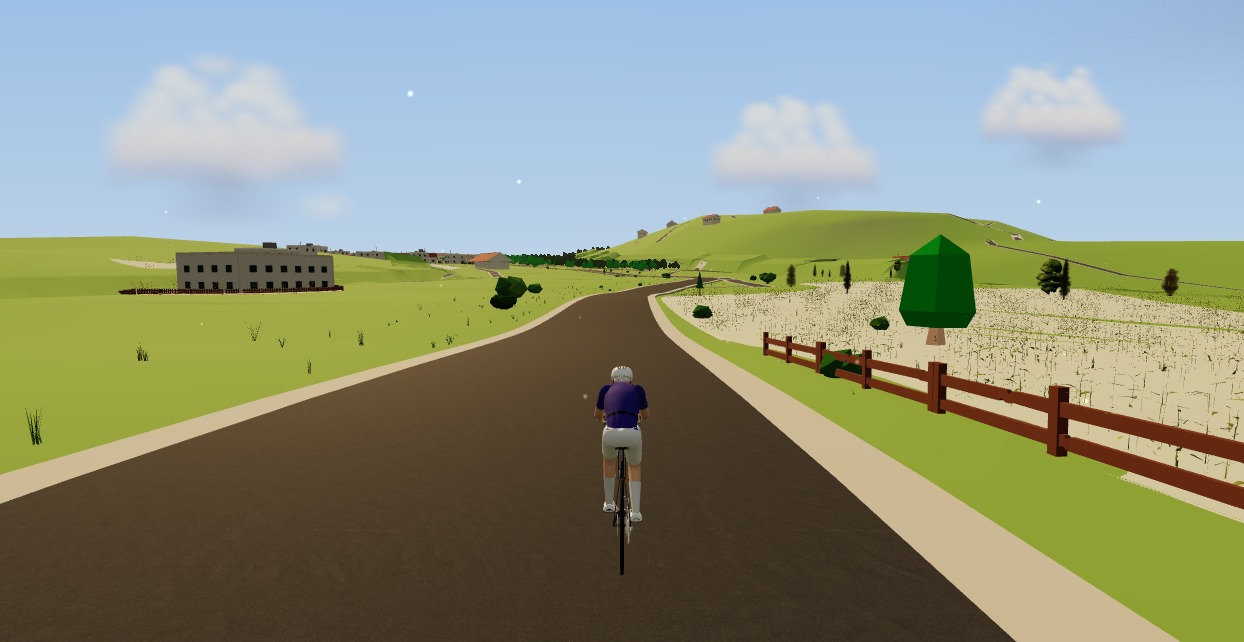
Looking for an indoor cycling app for Mac that doesn't need a download? macOS runs a full smart-trainer session straight from a browser tab — pairing, ERG, real 3D roads and a Strava upload. Here's how, and the one thing to watch on Apple Silicon.
A Zwift alternative that runs in your browser — no download, no install
If you want the Zwift experience without the 12 GB download, the launcher and the gaming PC, the answer now runs in a browser tab. Here's how a no-install alternative works — and where it doesn't.

An indoor cycling app for Windows with nothing to install
No admin rights, no 12 GB download, no launcher updating itself before every session. Here's how to run a full indoor cycling app on Windows with nothing to install — a browser tab, your smart trainer, and a real 3D road.

How to connect a smart trainer to your browser with Web Bluetooth
Your browser can talk to your smart trainer directly — no app, no dongle, no ANT+ stick. Here's how Web Bluetooth pairing works, what it supports, and how to fix it when it won't connect.
Can you really train indoors in a browser? How Moveee Indoor works in 2026
"In the browser" used to mean toy-grade. Not any more. Here's how a browser now pairs your trainer, holds your watts and renders a real 3D world — and what still needs a native app.
A free MyWhoosh alternative that rides your own real routes
MyWhoosh proved indoor cycling can be free. If you want a free MyWhoosh alternative that rides your own real roads instead of a fictional world — and runs in the browser with nothing to install — here's the honest comparison.

Zwift on iPad? A browser alternative for tablets that actually works
Searching for Zwift on iPad — or a lighter tablet alternative? Here's the honest state of indoor cycling on tablets in 2026: what works on an Android tablet in the browser, the real iPad Bluetooth catch, and the simplest setups that just work.
Indoor cycling on any device: how Moveee Indoor runs in the browser (even on a Mac)
Mac, Windows, Linux, a Chromebook or an Android tablet — if it runs Chrome or Edge, it can run a full trainer session. Here's how one browser app rides on all of them, and the one gap (iOS).

Browser-based indoor cycling: the apps you can ride with zero downloads
Most indoor cycling apps still want you to install a small game. A handful don't. Here's the honest state of browser-based indoor training in 2026 — what runs in a tab, and how well.

ERG mode in the browser: hold your watts on any smart trainer
ERG mode used to mean installing a desktop app. Not any more. Here's how ERG mode in the browser works — how a tab sets the resistance on your smart trainer and holds your target watts through every interval, free.

Indoor training with heart rate only (no power meter, no problem)
No power meter, no smart trainer — just a heart-rate strap? You can still train properly. How to find your threshold heart rate with one honest 30-minute test, set five zones from it, structure a week around what HR measures well, and work around what it doesn't (lag, drift and hot rooms).