
The Moveee team
Free coaching · a real route for every ride
Your Wahoo KICKR is one of the best smart trainers ever made — and it does not owe its loyalty to Zwift. The KICKR speaks open, standard Bluetooth protocols, which means any app that knows how to talk to it can control resistance, hold ERG targets and record your ride. If you're looking to use your Wahoo KICKR without Zwift — to skip the subscription, or just because you want something different — here's how, with a free browser app.
Which KICKR this works with
KICKR / KICKR Core / KICKR Move
Direct-drive. Full resistance control and ERG over Bluetooth.
KICKR Snap
Wheel-on. Same control; calibrate a spin-down for accurate power.
KICKR Bike / Bike Shift
Smart bike. Controls resistance and gearing the same way.
KICKR Rollr
Controlled rollers. Pairs and holds targets like the rest.
If your KICKR pairs with the Wahoo app, it will pair with a standards-based trainer app just the same.

What you keep when you drop Zwift
People assume leaving Zwift means losing the "smart" part of the smart trainer. It doesn't. Everything the trainer hardware does, it keeps doing — the app on the other end just changes.
Resistance control (the trainer responds to gradient and ERG)
ERG mode holding your target watts through intervals
Full ride recording — power, cadence, speed, heart rate
A one-tap upload to Strava
How to ride a KICKR without Zwift, step by step
- Open a browser that supports Web Bluetooth — Chrome or Edge, on Mac, Windows, Linux or an Android device. (Not Safari, and not an iPhone/iPad.)
- Wake the KICKR by turning the cranks, so it's advertising over Bluetooth.
- Click to pair. The browser shows a device picker; choose your KICKR. That's the whole connection — no dongle, no login to Wahoo.
- Pick a workout or a route and start pedalling. In ERG mode the app sets the resistance for you; on a route, the gradient does.
- Finish and upload. The ride saves with full power data and posts to Strava.
A free KICKR app that gives you somewhere real to ride
That's exactly what Moveee Indoor does with a KICKR. It's free, it runs entirely in the browser — nothing to install — and instead of a fictional world it renders your own saved routes in 3D from real map and elevation data. Your KICKR feels the real gradients of the road, holds your interval targets in ERG mode, and the ride counts toward your Moveee training plan just like an outdoor one.
It's young — alpha, Chrome/Edge only, no big racing scene yet — but if all you want is to use the Wahoo KICKR you already own, without Zwift and without a subscription, it's about the shortest route there is.
Sources 5
Where this article summarises a study, the study itself is linked — not a write-up of it.
- 1 Zadow EK, Kitic CM, Wu SSX, Smith ST, Fell JW Validity of power settings of the Wahoo KICKR power trainer · International Journal of Sports Physiology and Performance · 2016
- 2 Fitness Machine Service 1.0 · Bluetooth SIG · 2017
- 3 Cycling Power Service 1.1 · Bluetooth SIG · 2016
- 4 Web Bluetooth (Draft Community Group Report) · W3C Web Bluetooth Community Group · 2024
- 5 Web Bluetooth API — browser compatibility · MDN Web Docs (Mozilla) · 2024
Your own roads, indoors, in a browser tab
Moveee Indoor pairs your smart trainer over Bluetooth and rebuilds a route you have saved as a 3D road — real gradients, ERG for the intervals, and the ride saved with full power data. Nothing to install. Free while it is in alpha.
Start an indoor rideKeep reading

A free app for Saris and JetBlack trainers (in your browser)
A Saris H3 or a JetBlack Volt doesn't need a subscription to earn its keep — both brands speak standard Bluetooth FTMS, so a browser tab can control resistance, hold ERG targets and record the ride. Model-by-model support, pairing steps, and the honest caveats for older wheel-on units.

A Tacx app alternative that runs in your browser (free)
If the Tacx Training app isn't for you, you don't have to jump straight to a Zwift subscription. Here's a free Tacx app alternative that controls your Tacx Neo, Flux or Flow from a browser tab — ERG, real roads and a Strava upload included.
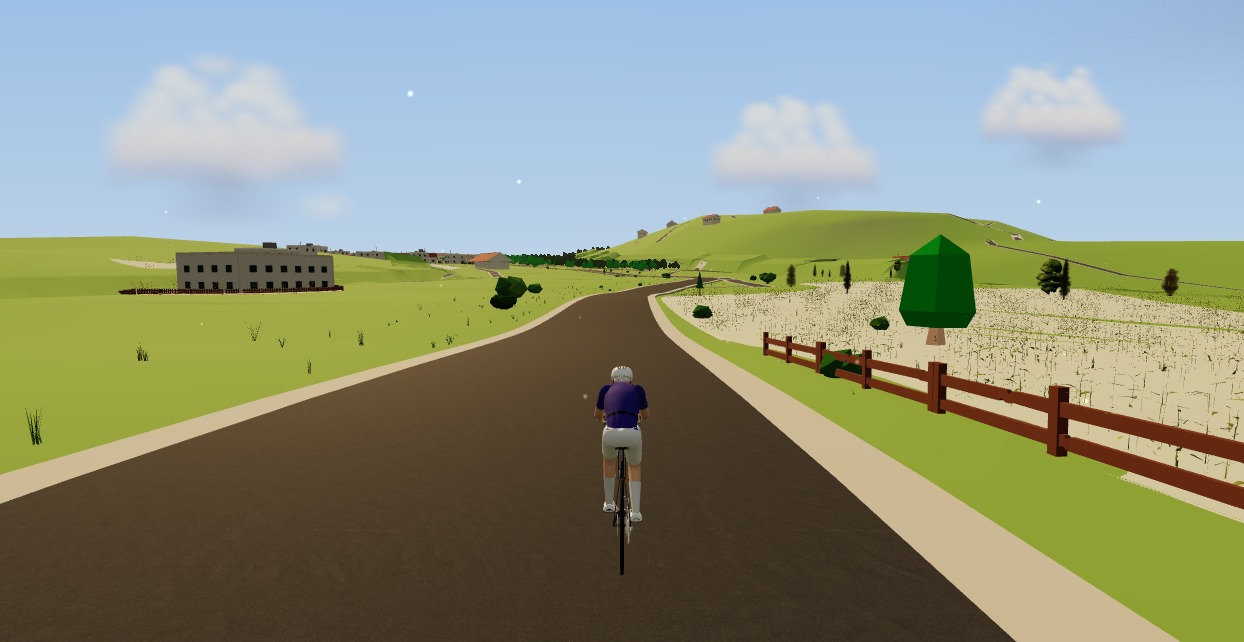
The best indoor cycling app for Mac (no download, runs in your browser)
Looking for an indoor cycling app for Mac that doesn't need a download? macOS runs a full smart-trainer session straight from a browser tab — pairing, ERG, real 3D roads and a Strava upload. Here's how, and the one thing to watch on Apple Silicon.
A free app for Elite smart trainers (in your browser)
Own an Elite Suito, Direto or Justo? You don't need a subscription to ride it properly. Here's a free app for Elite smart trainers that runs in your browser — FE-C/FTMS control, ERG intervals, real 3D roads and a Strava upload.

How to record an indoor ride to Strava (without Zwift)
An indoor ride should count. Here's how to record an indoor ride to Strava with full power, cadence and heart-rate data — without Zwift — using a free browser app that saves the ride even if your connection drops.

A free app for the Zwift Hub and Zwift Ride (yes, without Zwift)
Zwift's own trainers speak the same standard Bluetooth as everyone else's — which means a Zwift Hub or Zwift Ride works perfectly well without a Zwift subscription. How to pair Zwift hardware with a free browser app, what works (ERG, resistance, power), and the honest caveats around buttons and firmware.

ERG mode in the browser: hold your watts on any smart trainer
ERG mode used to mean installing a desktop app. Not any more. Here's how ERG mode in the browser works — how a tab sets the resistance on your smart trainer and holds your target watts through every interval, free.
Indoor cycling on an Android tablet or phone (in the browser)
You don't need a laptop or an app-store download to train indoors. Here's how to run a full indoor cycling app on an Android tablet or phone, straight from Chrome — pairing your smart trainer over Bluetooth, holding ERG targets and saving to Strava.

A free indoor ride in your browser: how far Moveee Indoor gets you for nothing
How much real indoor training can you get without paying a subscription or installing anything? Quite a lot, as it turns out. Here's the free browser setup, end to end.
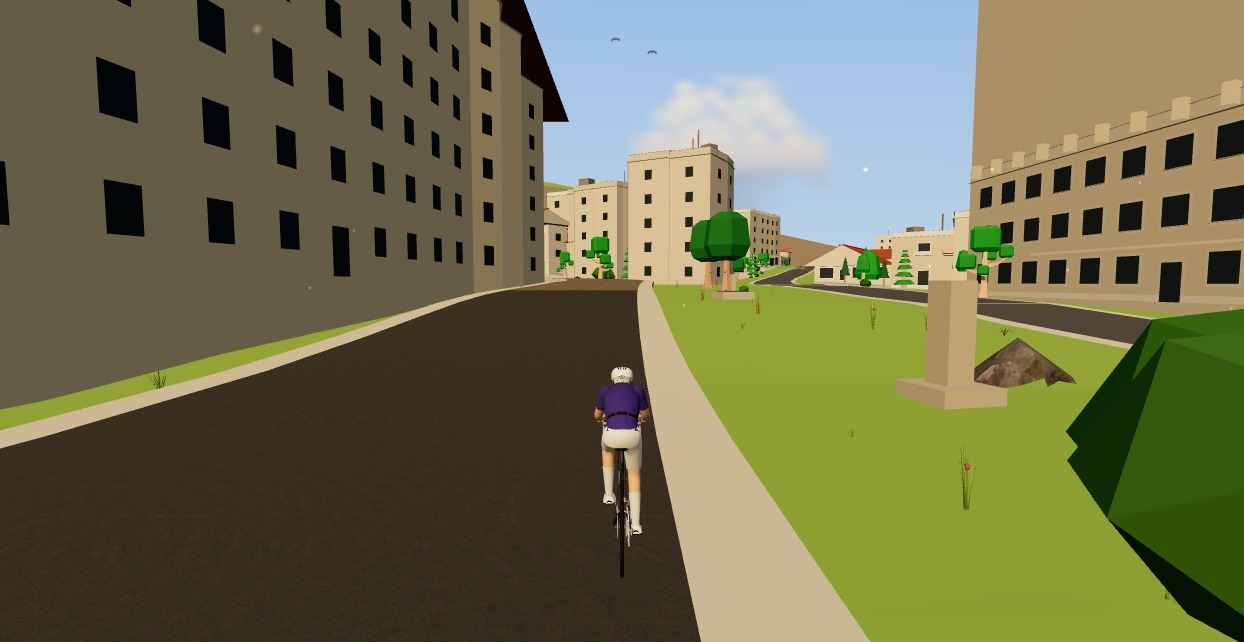
The best free smart trainer app with no subscription
You bought the smart trainer. Paying a monthly subscription to use it stings. Here's how far a free smart trainer app with no subscription gets you in 2026 — real workouts, ERG, a 3D world and Strava — and where the paid apps still pull ahead.
From a browser tab to Strava: how Moveee Indoor runs a full trainer session
Follow one indoor ride from cold trainer to a Strava post — pairing, ERG intervals, a real 3D road, full power analysis and a one-tap upload — all without installing a thing.
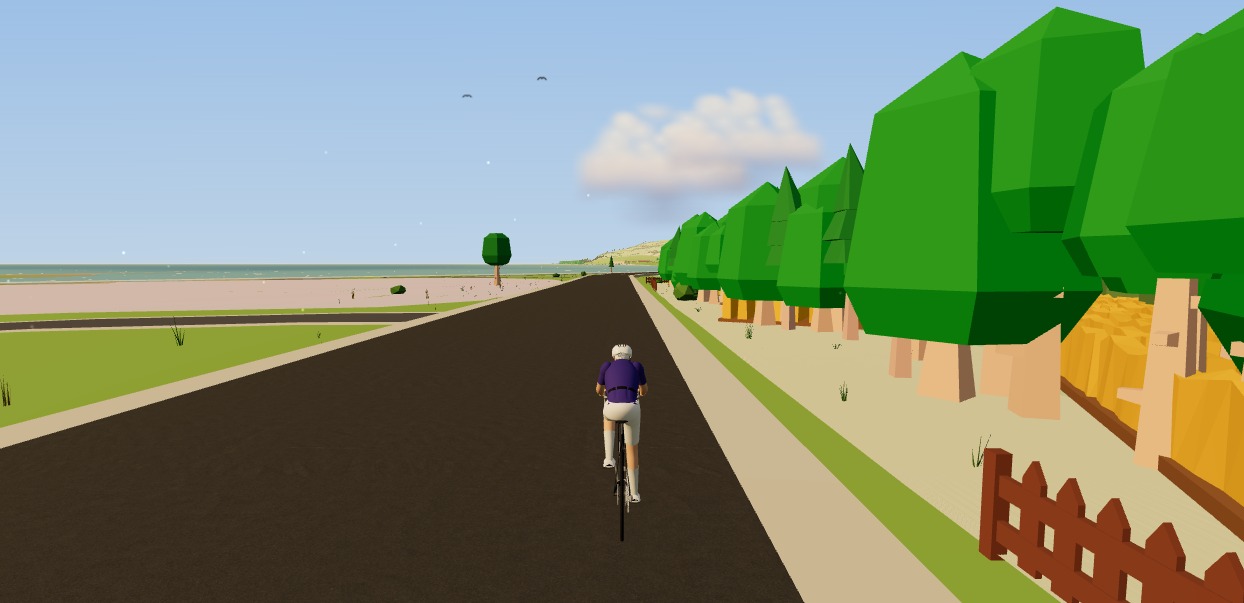
How to ride a GPX file indoors on your smart trainer
Any route you can export as a GPX file, you can ride indoors. Here's how to turn a GPX into a 3D indoor ride on your smart trainer — with real gradients driving the resistance — straight from your browser, no install.