The Moveee team
Free coaching · a real route for every ride
If you've searched for an indoor cycling app for Mac, you've probably hit the same wall: the big names are built Windows-first, the Mac build lags, and half the forum threads are people troubleshooting a download that won't behave on macOS. The good news in 2026 is that the best answer isn't a download at all — a modern Mac runs a full smart-trainer session straight from a browser tab.
This guide covers what actually works on macOS, the one setting that trips people up on Apple Silicon, and how to go from a cold trainer to riding a real 3D road in about five minutes — without installing a thing.
Why "no download" is the right answer on a Mac
macOS is exactly where a browser-based app shines. There's no .dmg to mount, no "app from an unidentified developer" warning to click through, no launcher that wants to update itself before every session, and nothing eating 12 GB of an already-tight SSD. You open a tab, pair your trainer, and ride. When you close the tab, it's gone — no background processes, no login items.
What you need (the honest checklist)
A Mac from roughly the last decade
Any Intel or Apple Silicon Mac (M1–M4) handles a browser-rendered 3D world comfortably.
Chrome or Edge (not Safari)
The smart-trainer connection uses Web Bluetooth, which Safari doesn't support. Install Chrome or Edge — both are free.
A smart trainer or power meter
Anything speaking standard FTMS or Cycling Power over Bluetooth — Wahoo, Tacx, Elite, Saris and the rest.
Bluetooth switched on
Every Mac has it built in. No ANT+ dongle, no USB stick, nothing to plug in.
The one thing to watch: Safari won't do it
This is the single most common stumbling block for Mac riders. Safari is a fine browser, but it does not implement Web Bluetooth — the standard a web app uses to talk to your smart trainer. So an indoor cycling app for Mac that connects to your trainer needs Chrome or Edge, both of which run natively on Intel and Apple Silicon. Once you're in the right browser, pairing takes one click and a moment for macOS to show the Bluetooth device picker.
Apple Silicon: no special build required
M-series Macs are, if anything, better at this than the old Intel machines — the browser renders a 3D world on the GPU with power to spare, and the whole thing stays cool and quiet. You don't need a "Mac version," a Rosetta workaround or a native app. The browser is the app.
From cold trainer to a real road in five minutes
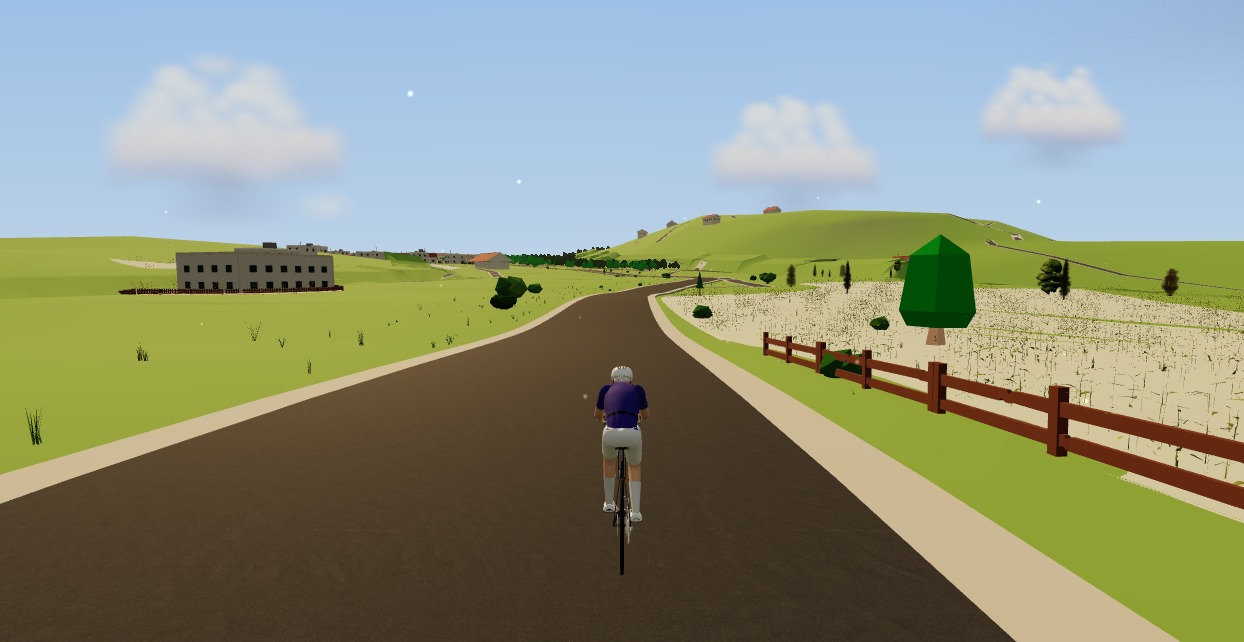
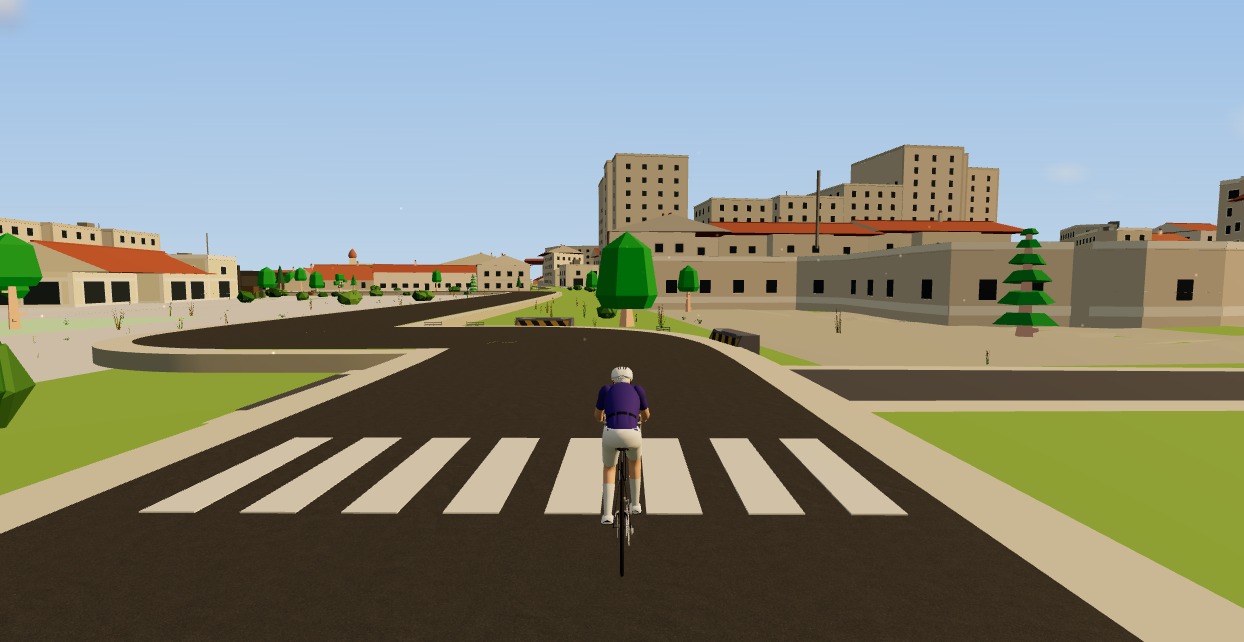
That's the gap Moveee Indoor was built to fill on a Mac. Instead of a fictional island, it renders your own saved routes in 3D from real OpenStreetMap and elevation data — the actual streets, buildings and climbs the road follows. Open it in Chrome or Edge on your Mac, click to pair your trainer over Bluetooth, pick a route, and ride. Gradients drive the resistance, ERG mode holds your interval targets, and the ride saves with full power data.
It's free while it's in alpha, it's Chrome/Edge only for now, and rides count toward your Moveee training plan just like an outdoor ride. If you've been hunting for an indoor cycling app for Mac that doesn't fight your machine, the shortest path is the one with nothing to install: open a tab and go.
Sources 7
Where this article summarises a study, the study itself is linked — not a write-up of it.
- 1 Web Bluetooth – draft community group report · W3C Web Bluetooth Community Group · 2026
- 2 Web Bluetooth implementation status (Chrome, Edge, Safari/WebKit, Firefox) · W3C Web Bluetooth Community Group · 2026
- 3 Communicating with Bluetooth devices over JavaScript · Chrome for Developers (Google) · 2026
- 4 Fitness Machine Service 1.0 · Bluetooth SIG · 2017
- 5 Cycling Power Service 1.1 · Bluetooth SIG · 2016
- 6 Mac computers with Apple silicon · Apple Support · 2026
- 7 Google Chrome system requirements · Google Chrome Help · 2026
Your own roads, indoors, in a browser tab
Moveee Indoor pairs your smart trainer over Bluetooth and rebuilds a route you have saved as a 3D road — real gradients, ERG for the intervals, and the ride saved with full power data. Nothing to install. Free while it is in alpha.
Start an indoor rideKeep reading

From a browser tab to Strava: how Moveee Indoor runs a full trainer session
Follow one indoor ride from cold trainer to a Strava post — pairing, ERG intervals, a real 3D road, full power analysis and a one-tap upload — all without installing a thing.

Indoor cycling on an Android tablet or phone (in the browser)
You don't need a laptop or an app-store download to train indoors. Here's how to run a full indoor cycling app on an Android tablet or phone, straight from Chrome — pairing your smart trainer over Bluetooth, holding ERG targets and saving to Strava.

A free app for Elite smart trainers (in your browser)
Own an Elite Suito, Direto or Justo? You don't need a subscription to ride it properly. Here's a free app for Elite smart trainers that runs in your browser — FE-C/FTMS control, ERG intervals, real 3D roads and a Strava upload.
A Tacx app alternative that runs in your browser (free)
If the Tacx Training app isn't for you, you don't have to jump straight to a Zwift subscription. Here's a free Tacx app alternative that controls your Tacx Neo, Flux or Flow from a browser tab — ERG, real roads and a Strava upload included.

An indoor cycling app for Windows with nothing to install
No admin rights, no 12 GB download, no launcher updating itself before every session. Here's how to run a full indoor cycling app on Windows with nothing to install — a browser tab, your smart trainer, and a real 3D road.
How to use an indoor cycling app without a smart trainer — a speed sensor is enough
A £30 wheel speed sensor turns any dumb trainer into a real route in a 3D world, with the ride saved to your calendar. What you need, how to set it up, and the one thing about hills you should know before your first session.
Indoor cycling on a Chromebook: the trainer apps that actually work
A Chromebook can't install Zwift — but it can still run a full trainer session. Here's how to ride indoors on Chrome OS with nothing to download, and exactly what you need.

Indoor cycling on any device: how Moveee Indoor runs in the browser (even on a Mac)
Mac, Windows, Linux, a Chromebook or an Android tablet — if it runs Chrome or Edge, it can run a full trainer session. Here's how one browser app rides on all of them, and the one gap (iOS).

How to use your Wahoo KICKR without Zwift (a free browser app)
Your Wahoo KICKR doesn't need Zwift — or any subscription — to give you a proper session. Here's how to use a KICKR (or KICKR Core, Snap and Move) with a free browser app that controls resistance, holds ERG targets and saves to Strava.
A Zwift alternative that runs in your browser — no download, no install
If you want the Zwift experience without the 12 GB download, the launcher and the gaming PC, the answer now runs in a browser tab. Here's how a no-install alternative works — and where it doesn't.
Try indoor training right now: open Moveee Indoor in your browser
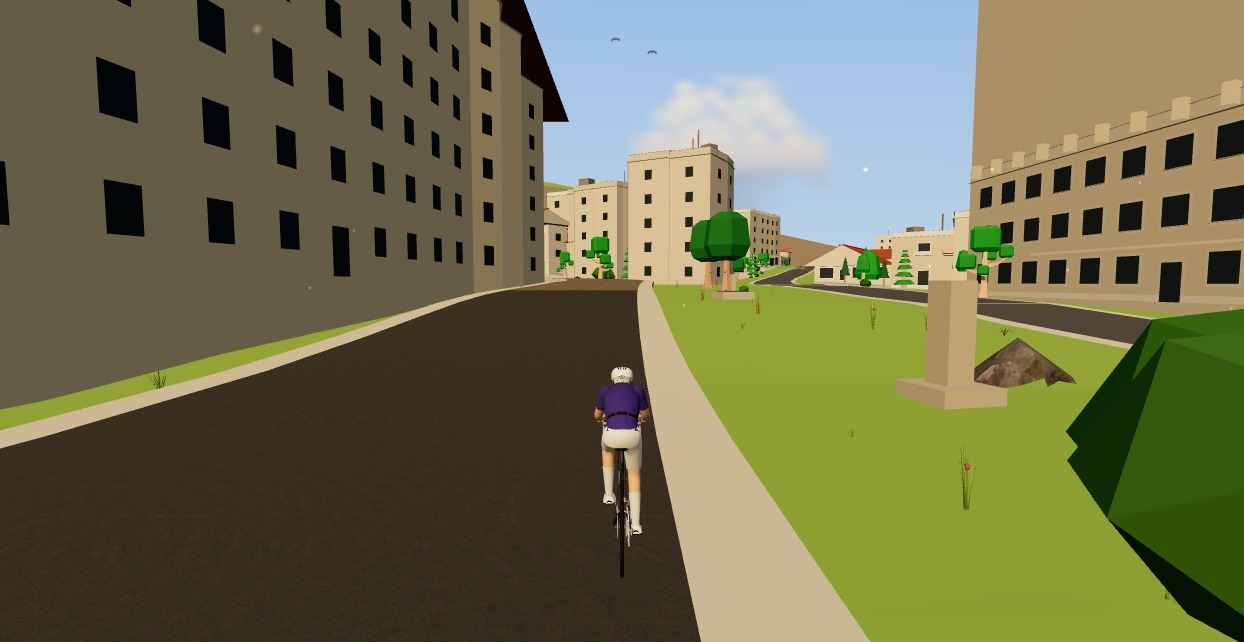
No account wall, no 20-minute download before your first pedal stroke. Here's how to go from cold trainer to riding a real 3D road in about five minutes, straight from a browser tab.
How to ride a GPX file indoors on your smart trainer
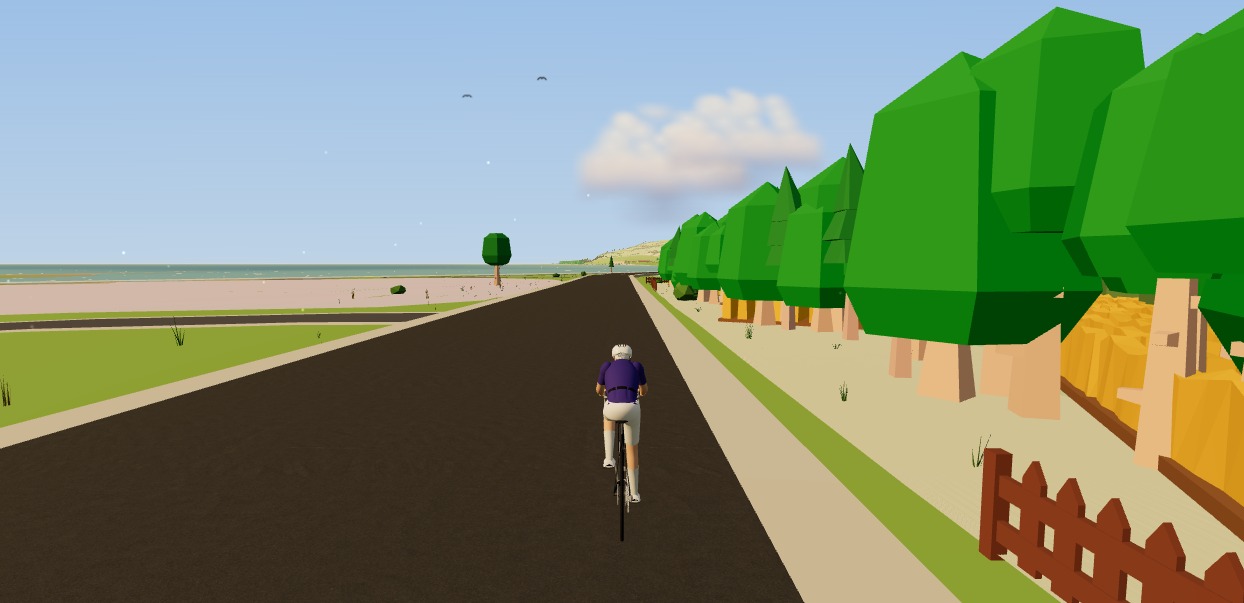
Any route you can export as a GPX file, you can ride indoors. Here's how to turn a GPX into a 3D indoor ride on your smart trainer — with real gradients driving the resistance — straight from your browser, no install.