The Moveee team
Free coaching · a real route for every ride
An indoor ride is real training, so it should show up in your log like any other. If you want to record an indoor ride to Strava — without Zwift, and without losing any of the data that makes indoor training worth doing, here's how it works with a free browser app, and why "it saves even if your connection drops" matters more than it sounds.
What actually gets recorded
A trainer ride is a rich recording — arguably richer than an outdoor one, because the power is measured, not estimated. A good indoor app captures all of it:
Power (watts)
Cadence (rpm)
Speed & virtual distance
Heart rate (if paired)
Elevation gain of the route
Duration & time in zones

The part nobody thinks about until it bites: not losing the ride
The worst thing an indoor app can do is lose a hard session because the Wi-Fi hiccuped or the laptop slept. A well-built app records the ride locally as you go, so a dropped connection doesn't erase your effort — the data is safe on the device, and the upload happens when you finish. If you've ever finished a brutal 40-minute test only to watch it vanish, you know why this is the feature that actually matters.
From trainer to Strava, step by step
- Ride your session in a browser trainer app (Chrome or Edge), with your trainer paired over Bluetooth.
- Finish — the app closes out the recording and saves it with full power data.
- Connect Strava once. Authorise the app the first time and it remembers.
- Upload. The ride posts to Strava as a virtual ride, complete with power, and shows up in your feed like any other.
Record to Strava — and to a training plan that uses it
With Moveee Indoor, every indoor ride records locally as you pedal, saves with full power data, and uploads to Strava — no Zwift required. Better still, the same ride lands in your Moveee training log, so it counts toward your Fitness, Fatigue and Form exactly like an outdoor ride. It's free while in alpha and runs entirely in the browser.
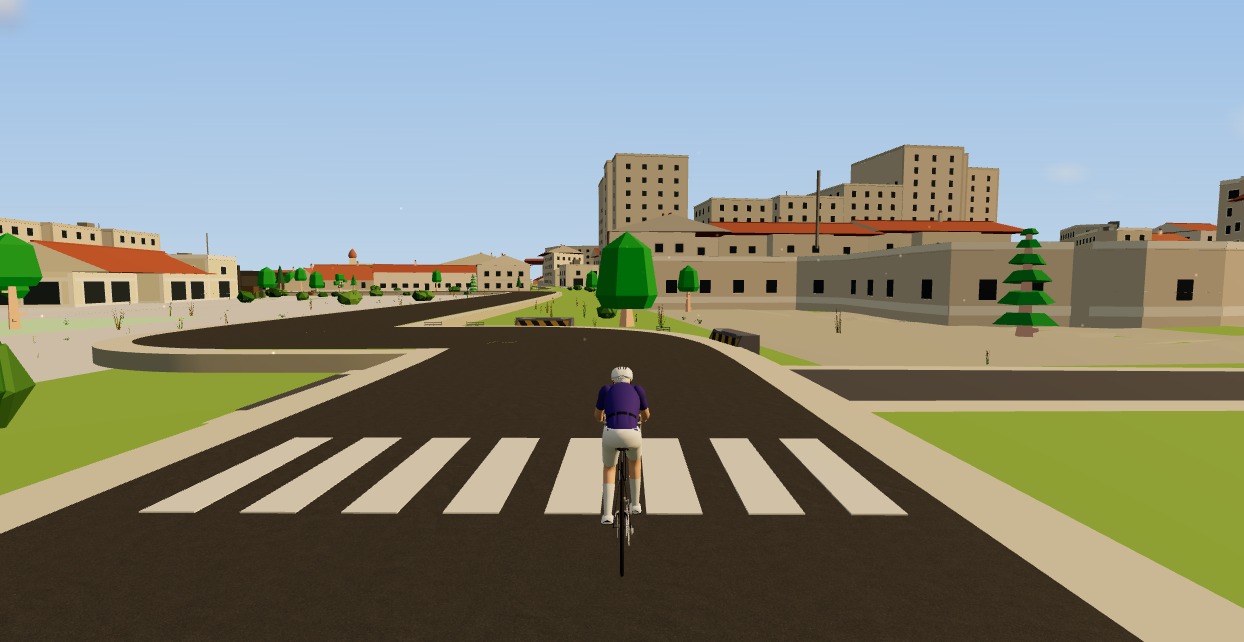
Indoor miles shouldn't be stranded in a silo. Record them properly, keep the power data, and let them count.
Sources 5
Where this article summarises a study, the study itself is linked — not a write-up of it.
- 1 Uploading to Strava (activity file upload API: FIT/TCX/GPX, sport types incl. VirtualRide) · Strava Developers · 2025
- 2 Fitness Machine Service 1.0 (FTMS) specification · Bluetooth SIG · 2017
- 3 Web Bluetooth (Draft Community Group Report) · W3C Web Bluetooth Community Group · 2025
- 4 Zadow EK, Kitic CM, Wu SSX, Smith ST, Fell JW Validity of power settings of the Wahoo KICKR power trainer · International Journal of Sports Physiology and Performance · 2016
- 5 Maier T, Schmid L, Müller B, Steiner T, Wehrlin JP Accuracy of cycling power meters against a mathematical model of treadmill cycling · International Journal of Sports Medicine · 2017
Your own roads, indoors, in a browser tab
Moveee Indoor pairs your smart trainer over Bluetooth and rebuilds a route you have saved as a 3D road — real gradients, ERG for the intervals, and the ride saved with full power data. Nothing to install. Free while it is in alpha.
Start an indoor rideKeep reading
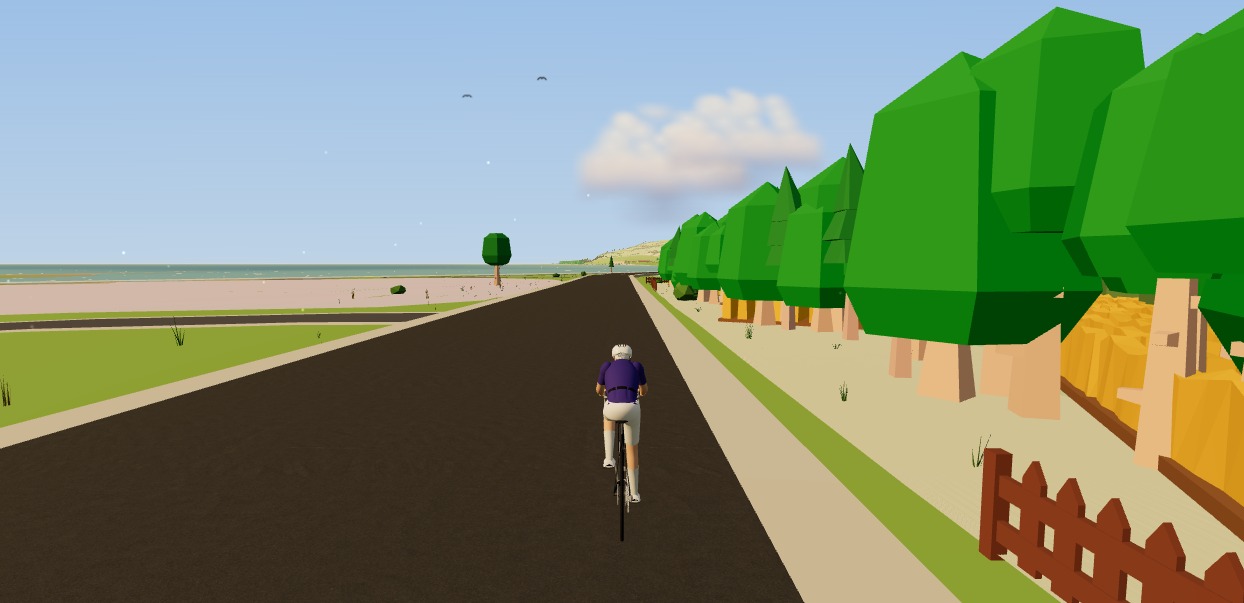
Ride, record and save: a cycling app that lives in a browser tab
A trainer ride is a serious recording — power, cadence, heart rate, the lot. Here's how a browser tab captures all of it safely, saves it even if your connection drops, and sends it to Strava.

How to use your Wahoo KICKR without Zwift (a free browser app)
Your Wahoo KICKR doesn't need Zwift — or any subscription — to give you a proper session. Here's how to use a KICKR (or KICKR Core, Snap and Move) with a free browser app that controls resistance, holds ERG targets and saves to Strava.
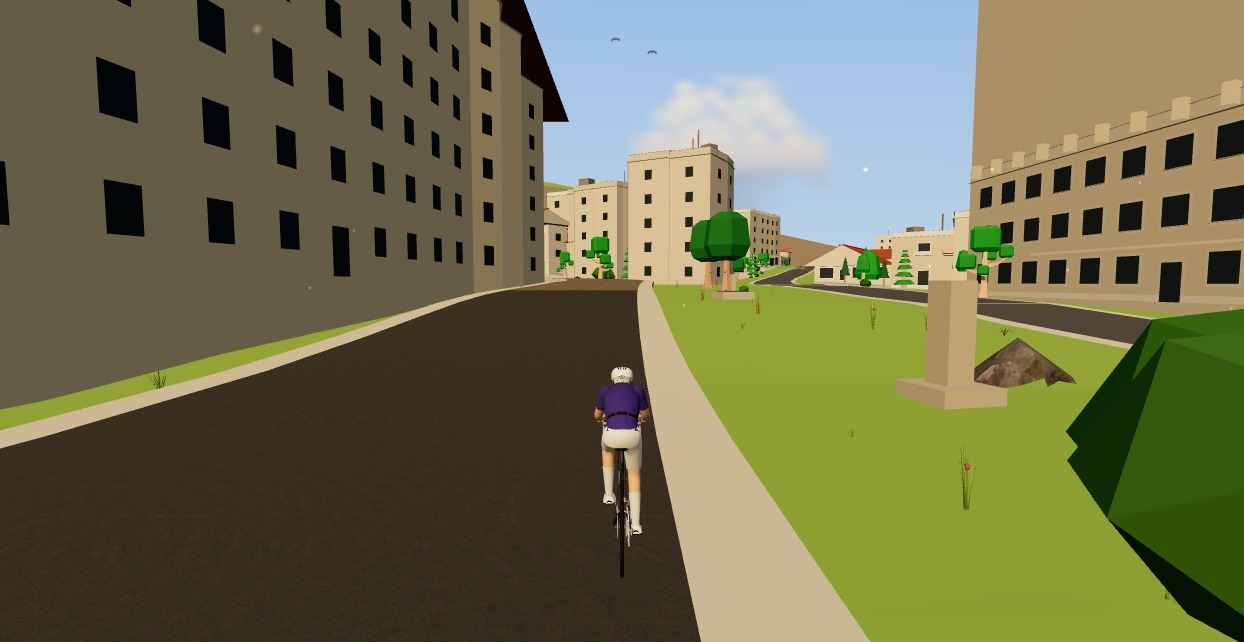
Indoor cycling app with no power meter: what you get and what you don't
Both columns side by side. What a speed sensor gives you indoors — the route, distance, heart rate, cadence, a ride that counts — and what it cannot: watts, ERG, TSS, FTP. Including why we refuse to show you a virtual power number.

Indoor cycling on any device: how Moveee Indoor runs in the browser (even on a Mac)
Mac, Windows, Linux, a Chromebook or an Android tablet — if it runs Chrome or Edge, it can run a full trainer session. Here's how one browser app rides on all of them, and the one gap (iOS).
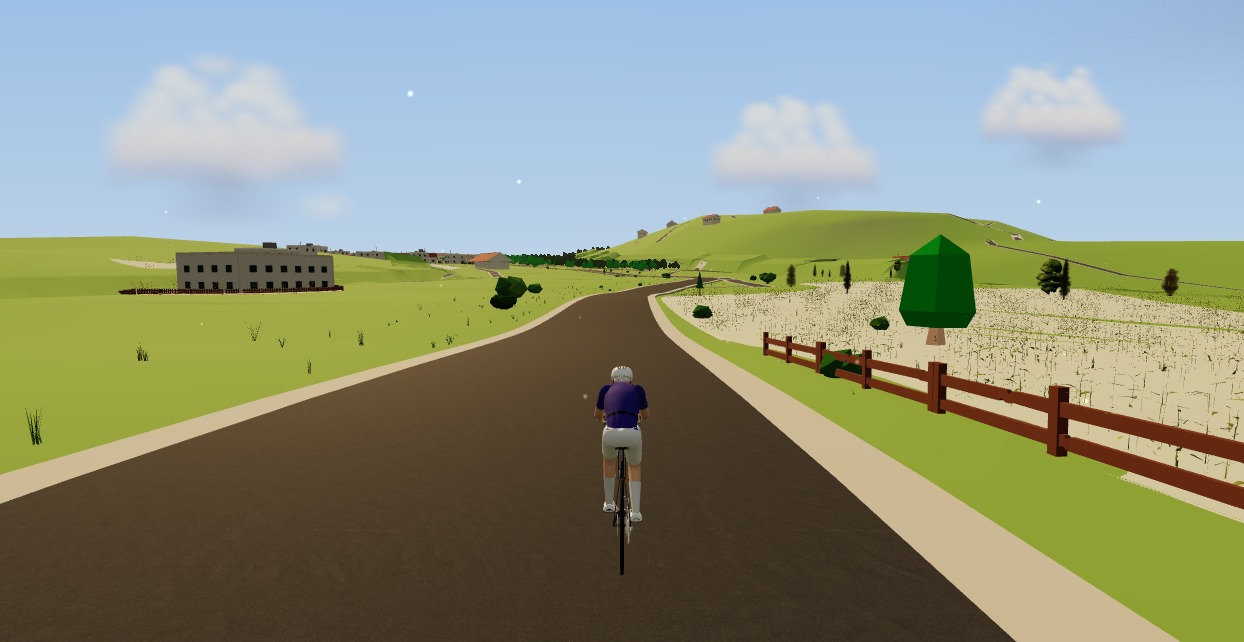
The best indoor cycling app for Mac (no download, runs in your browser)
Looking for an indoor cycling app for Mac that doesn't need a download? macOS runs a full smart-trainer session straight from a browser tab — pairing, ERG, real 3D roads and a Strava upload. Here's how, and the one thing to watch on Apple Silicon.

From a browser tab to Strava: how Moveee Indoor runs a full trainer session
Follow one indoor ride from cold trainer to a Strava post — pairing, ERG intervals, a real 3D road, full power analysis and a one-tap upload — all without installing a thing.

Indoor cycling on an Android tablet or phone (in the browser)
You don't need a laptop or an app-store download to train indoors. Here's how to run a full indoor cycling app on an Android tablet or phone, straight from Chrome — pairing your smart trainer over Bluetooth, holding ERG targets and saving to Strava.

A Tacx app alternative that runs in your browser (free)
If the Tacx Training app isn't for you, you don't have to jump straight to a Zwift subscription. Here's a free Tacx app alternative that controls your Tacx Neo, Flux or Flow from a browser tab — ERG, real roads and a Strava upload included.
A Rouvy alternative for riding real roads indoors
Rouvy put real roads on the trainer with video. If you want a Rouvy alternative that rebuilds real roads in 3D from map data — including your own routes — and runs free in the browser, here's how the two approaches compare.
A free app for Elite smart trainers (in your browser)
Own an Elite Suito, Direto or Justo? You don't need a subscription to ride it properly. Here's a free app for Elite smart trainers that runs in your browser — FE-C/FTMS control, ERG intervals, real 3D roads and a Strava upload.

A free indoor ride in your browser: how far Moveee Indoor gets you for nothing
How much real indoor training can you get without paying a subscription or installing anything? Quite a lot, as it turns out. Here's the free browser setup, end to end.

Indoor training with heart rate only (no power meter, no problem)
No power meter, no smart trainer — just a heart-rate strap? You can still train properly. How to find your threshold heart rate with one honest 30-minute test, set five zones from it, structure a week around what HR measures well, and work around what it doesn't (lag, drift and hot rooms).