The Moveee team
Free coaching · a real route for every ride
Plenty of people search for Zwift on iPad — the iPad is the obvious "just a screen for the trainer" device sitting on the coffee table. If you're after a lighter, cheaper, no-download alternative for tablets, here's the honest state of play in 2026: a browser-based trainer app is a superb tablet option, with one important asterisk about Apple.
The honest bit first: the iPad Bluetooth catch
A browser trainer app talks to your smart trainer using a standard called Web Bluetooth. Chrome on Android supports it. Safari on iPad and iPhone does not. That's an Apple decision, and it means a browser app can't pair your trainer directly on a standard iPad. We'd rather tell you that up front than have you find out mid-warm-up.
What actually works on a tablet
Android tablet
WorksThe sweet spot for a browser app. Chrome on Android supports Web Bluetooth, so it pairs your trainer and rides a full 3D session.
iPad / iPhone (Safari)
Not yetiOS and iPadOS Safari don't support Web Bluetooth, so a browser trainer app can't pair here. This is Apple's limitation, not the app's.
iPad with a Bluetooth-capable browser
FiddlyA few third-party iOS browsers add Web Bluetooth. It can work, but it's fiddly and not something we'd promise.
Mac / Windows laptop
WorksIf the iPad was only ever a stand-in for a screen, a cheap laptop in Chrome or Edge is the most reliable route of all.

The best tablet setup: Android + a browser
If you have (or don't mind buying) an inexpensive Android tablet, you get exactly what the iPad search is really after: prop it on the bars, open Chrome, pair the trainer in one tap, ride a real 3D road, and upload to Strava — with nothing to install from an app store. It's light, it's cheap, and it's the closest thing to "just a screen that also does everything."
Ride real roads on a tablet, free
Moveee Indoor runs in Chrome on Android exactly as it does on a laptop. Instead of a fictional island, it rebuilds your own saved routes in 3D from real map and elevation data, holds ERG targets, and saves rides with full power data to your Moveee plan and Strava. It's free while in alpha.
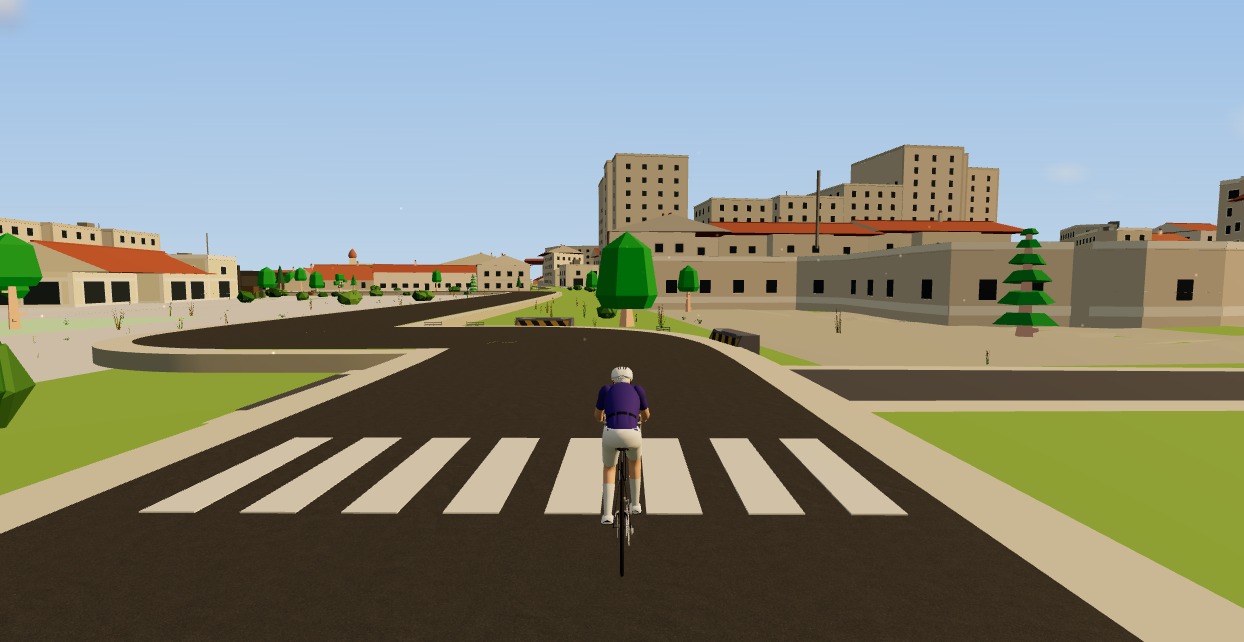
So: if you specifically need an iPad, the honest answer today is that a native app still rules that device. But if what you really wanted was a light, cheap, no-download screen for your trainer, an Android tablet — or an old laptop — in the browser is the better answer anyway.
Sources 4
Where this article summarises a study, the study itself is linked — not a write-up of it.
- 1 Web Bluetooth (Draft Community Group Report) · W3C Web Bluetooth Community Group · 2024
- 2 Web Bluetooth API — browser compatibility · MDN Web Docs (Mozilla) · 2025
- 3 WebKit feature status · WebKit (Apple) · 2025
- 4 Communicating with Bluetooth devices over JavaScript · Chrome for Developers (Google) · 2024
Your own roads, indoors, in a browser tab
Moveee Indoor pairs your smart trainer over Bluetooth and rebuilds a route you have saved as a 3D road — real gradients, ERG for the intervals, and the ride saved with full power data. Nothing to install. Free while it is in alpha.
Start an indoor rideKeep reading

Indoor cycling on an Android tablet or phone (in the browser)
You don't need a laptop or an app-store download to train indoors. Here's how to run a full indoor cycling app on an Android tablet or phone, straight from Chrome — pairing your smart trainer over Bluetooth, holding ERG targets and saving to Strava.

Indoor cycling on a smart TV: how to ride on the big screen
Riding a trainer on a 55-inch screen beats squinting at a laptop. Here's how to get indoor cycling on a smart TV in 2026 — the setups that work, the ones that don't, and the simplest big-screen route of all.

A free app for the Zwift Hub and Zwift Ride (yes, without Zwift)
Zwift's own trainers speak the same standard Bluetooth as everyone else's — which means a Zwift Hub or Zwift Ride works perfectly well without a Zwift subscription. How to pair Zwift hardware with a free browser app, what works (ERG, resistance, power), and the honest caveats around buttons and firmware.
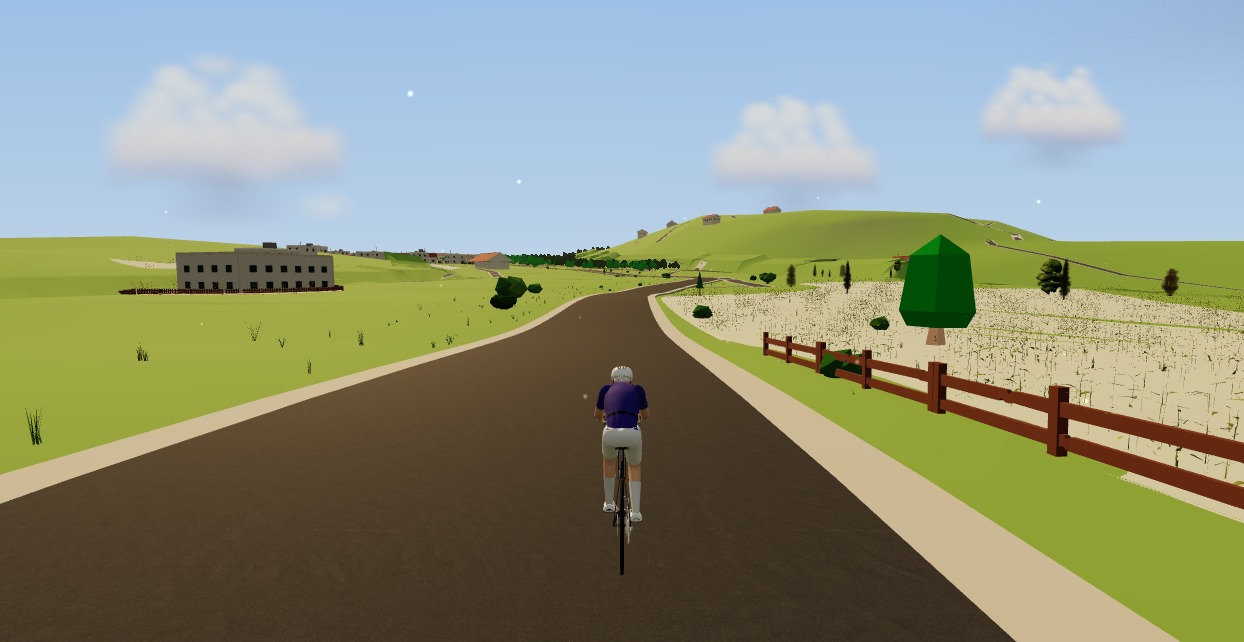
A Zwift alternative that runs in your browser — no download, no install
If you want the Zwift experience without the 12 GB download, the launcher and the gaming PC, the answer now runs in a browser tab. Here's how a no-install alternative works — and where it doesn't.

Indoor cycling on any device: how Moveee Indoor runs in the browser (even on a Mac)
Mac, Windows, Linux, a Chromebook or an Android tablet — if it runs Chrome or Edge, it can run a full trainer session. Here's how one browser app rides on all of them, and the one gap (iOS).
Indoor cycling on a Chromebook: the trainer apps that actually work
A Chromebook can't install Zwift — but it can still run a full trainer session. Here's how to ride indoors on Chrome OS with nothing to download, and exactly what you need.

How to connect a smart trainer to your browser with Web Bluetooth
Your browser can talk to your smart trainer directly — no app, no dongle, no ANT+ stick. Here's how Web Bluetooth pairing works, what it supports, and how to fix it when it won't connect.

How to record an indoor ride to Strava (without Zwift)
An indoor ride should count. Here's how to record an indoor ride to Strava with full power, cadence and heart-rate data — without Zwift — using a free browser app that saves the ride even if your connection drops.

Browser-based indoor cycling: the apps you can ride with zero downloads
Most indoor cycling apps still want you to install a small game. A handful don't. Here's the honest state of browser-based indoor training in 2026 — what runs in a tab, and how well.
A free MyWhoosh alternative that rides your own real routes
MyWhoosh proved indoor cycling can be free. If you want a free MyWhoosh alternative that rides your own real roads instead of a fictional world — and runs in the browser with nothing to install — here's the honest comparison.

A TrainingPeaks alternative that plans the workouts for you
TrainingPeaks is the coach's clipboard — superb if you have a coach or love building your own plan, but on your own it never answers the question you actually have: what should I ride today? An honest comparison with an app that writes the plan, adapts it when life happens, and brings the indoor world with it.

Indoor training with heart rate only (no power meter, no problem)
No power meter, no smart trainer — just a heart-rate strap? You can still train properly. How to find your threshold heart rate with one honest 30-minute test, set five zones from it, structure a week around what HR measures well, and work around what it doesn't (lag, drift and hot rooms).