
The Moveee team
Free coaching · a real route for every ride
Bike computers are a category where it is easy to spend a great deal of money on capabilities you will never use, and equally easy to buy the cheapest option and be quietly annoyed for three years. The deciding question is not which model is best — models change annually — but which of the things they differ on actually affect your riding.
Three tiers, honestly described
Phone on the bars
Free, you already own it, and the screen is excellent.
Battery dies on a long ride, rain is a problem, it is hard to read in bright sun, and you have put your most expensive item in the most vulnerable place on the bike.
Occasional riders, and anyone testing whether they want data at all.
Entry computer
Long battery life, readable in sun, waterproof, pairs with sensors, records everything and uploads it. This is 90% of what any rider needs.
Basic or no mapping — often a breadcrumb line rather than a real map.
Most riders, honestly. The gap between this and the top tier is smaller than the price difference suggests.
Mapping computer
Full maps, turn-by-turn navigation, rerouting when you go wrong, and a screen big enough to read a junction on.
Expensive, heavier, and the batteries drain much faster with mapping active.
Riders who explore, tour, or regularly ride somewhere new. If you ride the same twelve routes, you are paying for something you will not use.
Five things that actually matter
Battery life, in your real use
Quoted figures assume a dim screen, no navigation and no live tracking. If you ride all day with mapping on, halve the number on the box. For most riders this matters more than any other specification.
Screen readability, not resolution
A transflective screen that gets clearer in bright sun beats a vivid colour screen that washes out. You will look at this in direct sunlight far more often than in a shop.
Sensor protocols
ANT+ and Bluetooth both matter. ANT+ lets one sensor talk to several devices at once — useful when a power meter feeds both your computer and a trainer app. Check what your existing kit speaks before buying.
How the data gets off it
Automatic sync over Wi-Fi or your phone, to whatever you actually use. A computer whose data needs a cable and a desktop application is a computer whose rides will eventually stop being uploaded.
Buttons or touchscreen
Buttons work with winter gloves and in rain. Touchscreens are nicer for maps and worse in exactly the conditions where you most need to change something. Both are defensible; know which you are buying.

What does not matter as much as the marketing suggests
- On-device training metrics and "recovery advice". Every manufacturer now offers a proprietary score telling you how fit you are and whether to train today. These are built on limited inputs and are no substitute for looking at your own load — fitness, fatigue and form explained covers the metrics that actually mean something.
- Structured-workout playback, if you mostly train indoors. Useful for outdoor intervals, irrelevant if your hard sessions happen on a trainer.
- Extremely high map detail. You need to see the next junction, not the field boundaries.
- Smart notifications. Opinions differ, but a device that shows you work email on a descent is solving a problem you did not have.
The data question, which is the one that lasts
A computer is a recording device. What matters over years is not the screen but whether your rides end up somewhere you can actually use them — a place where a season of riding becomes a power curve, a fitness trend and a plan, rather than 400 separate files.
Check before you buy that the device syncs automatically to the services you use. Almost all of them reach Strava; from there, rides flow into Moveee automatically, so connecting Strava once means every ride from any computer lands in your power profile and training plan without another thought. That is worth more over five years than any individual feature on a spec sheet.
Sensors: what to add, in order
- Heart rate. Cheap, useful, and the single most informative addition to a bare computer. Heart rate strap vs optical covers which kind.
- Speed and cadence. Inexpensive, and the speed sensor keeps recording in tunnels and under tree cover where GPS drops out.
- Power. The expensive one, and the one that changes how you train rather than how you record. Power meter vs smart trainer is the article to read before spending here — for a lot of riders the trainer is the better first purchase — and power meter types compared covers pedals against cranks against spider once you have decided.
The short version
Buy for battery life, screen readability and reliable syncing. Buy mapping only if you genuinely ride unfamiliar roads. Spend the money you saved on a power meter or a decent smart trainer, both of which will change your riding more than a larger screen ever will.
And if you are not sure whether you want any of this: ride with your phone in a case on the bars for a month. If you find yourself wanting more battery and a better screen, you have your answer — and if you never look at it, you have saved a few hundred euros.
Sources 5
Where this article summarises a study, the study itself is linked — not a write-up of it.
- 1 ANT+ Basics · ANT+ (Garmin Canada) · 2024
- 2 Cycling Power Service 1.1 · Bluetooth SIG · 2016
- 3 GPS Accuracy · GPS.gov, U.S. National Coordination Office for Space-Based PNT · 2024
- 4 Sanders D, Abt G, Hesselink MKC, Myers T, Akubat I Methods of Monitoring Training Load and Their Relationships to Changes in Fitness and Performance in Competitive Road Cycling · International Journal of Sports Physiology and Performance · 2017
- 5 Strava API v3 reference · Strava Developers · 2024
See this in your own numbers
Moveee builds your power curve, fitness and fatigue from every ride you upload, and writes a training plan around them. It is free, it takes one Strava connection, and it will tell you more about your riding in a week than any article can.
Start freeKeep reading

Disc brake noise: what it means and what to do
Better than rim brakes in nearly every way that matters and worse in exactly one — when they are unhappy they tell you loudly, in front of other people. Diagnosis by sound, the five-minute alignment fix, and the one noise that means stop riding.

Rollers vs turbo trainer: which should you ride this winter?
One teaches you to ride; the other makes you fitter. Rollers build balance, souplesse and bike handling that a locked-in turbo never will — but the turbo owns structure, ERG and every hard interval you'll do all winter. An honest comparison, who should pick which, and why the real answer might be both.

No gaming PC needed: virtual cycling on the laptop you already own
Zwift's system requirements quietly rule out a lot of laptops. A browser-rendered world doesn't. Here's how to get a real virtual ride out of ordinary, years-old hardware.
Can cycling actually help you lose weight? An honest look
Riding creates the opportunity for a deficit — it doesn't create the deficit. Here's roughly what you burn, why long and easy beats short and brutal, and the traps that catch almost everyone.

Pedals, cranks or spider: which power meter to buy
Where a meter measures decides what it can honestly tell you. Single-sided doubling and the error it hides, temperature drift, how easily each type moves between bikes, and what the published validation studies found.
Chain waxing vs lube: what it's worth, honestly
One camp melts wax in a slow cooker; the other squeezes lube onto a dirty chain and rides. Both are defensible. The watts are smaller than the enthusiasts imply — but the strongest argument for waxing is one they rarely lead with.
How to wash a bike without wrecking it
There are two or three ways to clean a bike that cause more damage than the dirt would have — and they are the ones that feel most satisfying. Fifteen minutes, in the right order, without contaminating your brakes.

A TrainingPeaks alternative that plans the workouts for you
TrainingPeaks is the coach's clipboard — superb if you have a coach or love building your own plan, but on your own it never answers the question you actually have: what should I ride today? An honest comparison with an app that writes the plan, adapts it when life happens, and brings the indoor world with it.
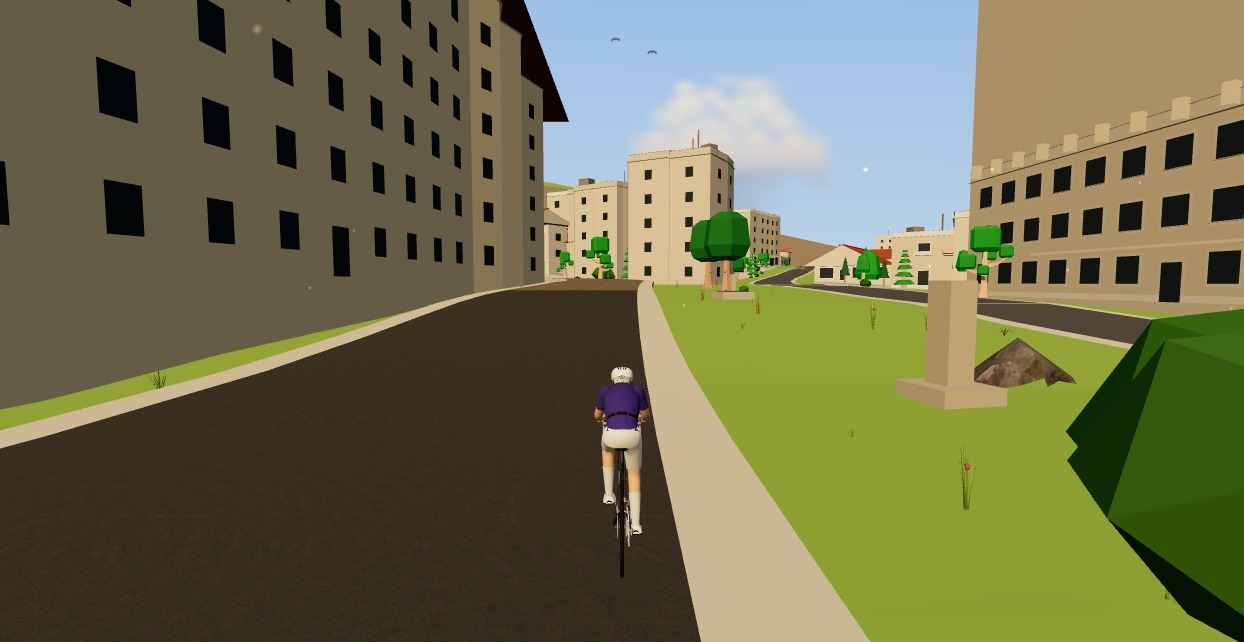
Try indoor training right now: open Moveee Indoor in your browser
No account wall, no 20-minute download before your first pedal stroke. Here's how to go from cold trainer to riding a real 3D road in about five minutes, straight from a browser tab.
Bike helmets: what the safety ratings actually test
Passing a standard means passing one specific test: a vertical drop onto a flat anvil. What EN 1078 and CPSC do not measure, which independent ratings do, and why fit matters more than anything printed on the box.
Speed sensor or smart trainer: when is the upgrade actually worth it?
Four signs you have outgrown a speed-only setup, what power actually unlocks, and three routes compared — including the one most people overlook, which is a power meter rather than a trainer. Plus the honest case for staying where you are.

Cycling cadence: does it actually matter? What the science says
The internet is full of one true cadence — the research says your legs already found theirs. What the science honestly shows about self-selected cadence, when deliberate high or low RPM work genuinely helps, the typical ranges by situation, and the drills worth folding into an easy hour.