
The Moveee team
Free coaching · a real route for every ride
Somewhere out there is a rider who bought a Zwift Hub or a Zwift Ride — good hardware at a fair price — and is now looking at the monthly subscription wondering if the trainer is useless without it. Good news: it isn't. Despite the name on the side, Zwift's hardware speaks the same standard Bluetooth language as every other smart trainer, which means it pairs happily with other apps — including free ones that run in a browser tab. Here's what works, what honestly doesn't, and how to get riding in a few minutes.
- The hardware is standard: the Zwift Hub is an FTMS Bluetooth trainer under the branding — ERG, resistance, power and cadence all work in other apps.
- The honest limits: the Zwift Ride's buttons, steering and virtual shifting are Zwift-specific, and firmware updates still come via the free Companion app.
- No install needed: a browser with Web Bluetooth can pair the trainer directly from a tab and ride free.
Why the "Zwift" trainer isn't locked to Zwift
Zwift didn't design its trainers from scratch — the Hub began life as a rebadged JetBlack unit, and like nearly every modern smart trainer it implements FTMS (the Bluetooth Fitness Machine Service), plus the standard power and cadence profiles. FTMS is the open, documented language apps use to tell a trainer "hold 220 watts" or "simulate a 6% climb," and to read your watts back. Any app that speaks FTMS can drive a Zwift Hub, exactly as it drives a Wahoo or an Elite. The branding is a sticker on top of a standard.
That's not an accident or a loophole, either — it's how the whole trainer ecosystem works, and it's why "Zwift hardware" doesn't have to mean "Zwift subscription." The people this matters to most: anyone who picked up the hardware at a good price, rides a few times a week, and is doing the maths on another annual subscription for it.
Pairing it in a browser
The lowest-friction way to test this is an app with nothing to install at all. Web Bluetooth lets a browser tab connect to your trainer directly — the same radio link Zwift uses, minus the download.
Plug in and wake the trainer
Power the Zwift Hub (or the Ride's frame) and give the pedals a turn so it starts advertising over Bluetooth.
Open the app in Chrome or Edge
Web Bluetooth lives in Chromium browsers — Chrome, Edge, Brave, Opera on desktop or Android. (Safari and iPhones don't support it.)
Click pair and pick the trainer
The browser's own device picker lists nearby Bluetooth devices — choose the Hub. It connects as a controllable trainer with power and cadence.
Add a heart-rate strap, ride
Pair an HR strap the same way if you have one, pick a route or a workout, and pedal. ERG holds your targets exactly as it does in Zwift.
One practical note: a Bluetooth device connects to one app at a time. If the trainer won't appear in the picker, make sure Zwift (or the Companion app) isn't holding the connection in the background.
What works — and what honestly doesn't
Full control. Structured workouts hold your target watts on the Hub just like in Zwift — FTMS carries the same commands.
Free-riding gradient simulation works: climbs get harder, descents ease off, driven by the route under you.
The Hub broadcasts both over standard Bluetooth profiles, so any app — or a head unit recording alongside — can read them.
The handlebar controls, shifting buttons and steering on the Zwift Ride talk Zwift's own protocol. Outside Zwift they do nothing — expect a normal trainer, not the full cockpit.
Trainer firmware still ships through the Zwift Companion app. Keep it installed on your phone for occasional updates — no subscription needed, just the free app.
The Hub's virtual gears are a Zwift-side feature. Other apps change resistance via ERG or slope instead — you shift with your legs and the terrain.
The Zwift Ride caveat is worth sitting with before you commit. If the button-shifting and steering are a big part of why you love the setup, other apps will feel like a step down — that layer of the hardware really is proprietary, and it's fair to say Zwift's own integration with its own bike remains the best experience of it. But the frame, the Hub inside it, ERG mode and every watt you produce work anywhere. You lose the cockpit extras, not the trainer.
The free browser option
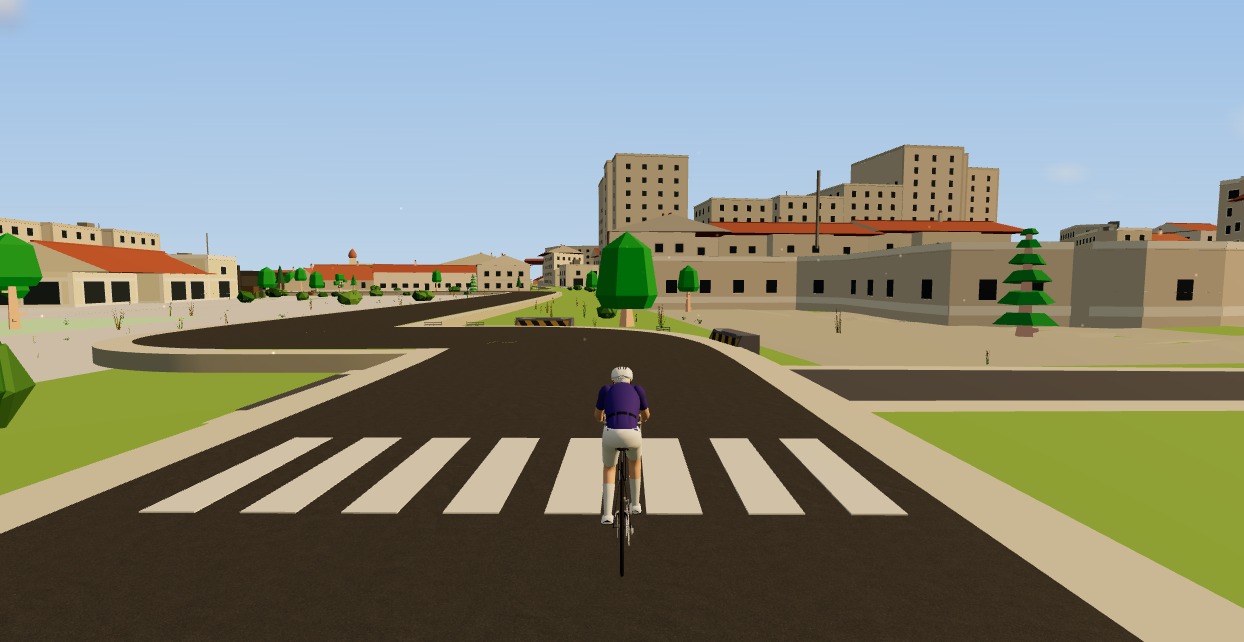
Moveee Indoor is built for exactly this pairing path: it runs entirely in the browser, connects the Hub and a heart-rate strap over Web Bluetooth, holds structured workouts in ERG, and gives you 3D worlds built from real roads — including your own GPX or Strava routes — with rides saving to Strava afterwards. It's free to ride, so the experiment costs you nothing but a spin: open a tab, pair the trainer, and see how the hardware feels with the subscription question taken off the table. Worst case, you cancel the experiment instead of the direct debit.
Sources 5
Where this article summarises a study, the study itself is linked — not a write-up of it.
- 1 Fitness Machine Service 1.0 (FTMS) · Bluetooth SIG · 2017
- 2 Cycling Power Service 1.1 · Bluetooth SIG · 2016
- 3 Web Bluetooth (Draft Community Group Report) · W3C Web Bluetooth Community Group · 2024
- 4 Web Bluetooth API — browser compatibility · MDN Web Docs (Mozilla) · 2025
- 5 ANT+ and BLE Overview for Cycling · Zwift Support · 2025
Your own roads, indoors, in a browser tab
Moveee Indoor pairs your smart trainer over Bluetooth and rebuilds a route you have saved as a 3D road — real gradients, ERG for the intervals, and the ride saved with full power data. Nothing to install. Free while it is in alpha.
Start an indoor rideKeep reading

A free app for Saris and JetBlack trainers (in your browser)
A Saris H3 or a JetBlack Volt doesn't need a subscription to earn its keep — both brands speak standard Bluetooth FTMS, so a browser tab can control resistance, hold ERG targets and record the ride. Model-by-model support, pairing steps, and the honest caveats for older wheel-on units.

How to use your Wahoo KICKR without Zwift (a free browser app)
Your Wahoo KICKR doesn't need Zwift — or any subscription — to give you a proper session. Here's how to use a KICKR (or KICKR Core, Snap and Move) with a free browser app that controls resistance, holds ERG targets and saves to Strava.

A free app for Elite smart trainers (in your browser)
Own an Elite Suito, Direto or Justo? You don't need a subscription to ride it properly. Here's a free app for Elite smart trainers that runs in your browser — FE-C/FTMS control, ERG intervals, real 3D roads and a Strava upload.

Zwift on iPad? A browser alternative for tablets that actually works
Searching for Zwift on iPad — or a lighter tablet alternative? Here's the honest state of indoor cycling on tablets in 2026: what works on an Android tablet in the browser, the real iPad Bluetooth catch, and the simplest setups that just work.

ERG mode in the browser: hold your watts on any smart trainer
ERG mode used to mean installing a desktop app. Not any more. Here's how ERG mode in the browser works — how a tab sets the resistance on your smart trainer and holds your target watts through every interval, free.
A Tacx app alternative that runs in your browser (free)
If the Tacx Training app isn't for you, you don't have to jump straight to a Zwift subscription. Here's a free Tacx app alternative that controls your Tacx Neo, Flux or Flow from a browser tab — ERG, real roads and a Strava upload included.
How to connect a smart trainer to your browser with Web Bluetooth
Your browser can talk to your smart trainer directly — no app, no dongle, no ANT+ stick. Here's how Web Bluetooth pairing works, what it supports, and how to fix it when it won't connect.
The best free Zwift alternative in 2026
Zwift is no longer the only game in town, and some of the best options cost nothing. Here's an honest guide to the best free Zwift alternative in 2026 — what each one does well, and how to pick the one that fits how you ride.

A free indoor ride in your browser: how far Moveee Indoor gets you for nothing
How much real indoor training can you get without paying a subscription or installing anything? Quite a lot, as it turns out. Here's the free browser setup, end to end.
No gaming PC needed: virtual cycling on the laptop you already own
Zwift's system requirements quietly rule out a lot of laptops. A browser-rendered world doesn't. Here's how to get a real virtual ride out of ordinary, years-old hardware.

Browser-based indoor cycling: the apps you can ride with zero downloads
Most indoor cycling apps still want you to install a small game. A handful don't. Here's the honest state of browser-based indoor training in 2026 — what runs in a tab, and how well.

Eating for cycling after 40: what actually changes
Anabolic resistance means the same protein does less than it used to, glycogen comes back slower, and thirst stops being a reliable signal. What genuinely changes with age — and how much of "masters nutrition" is the same advice in a different font.