
The Moveee team
Free coaching · a real route for every ride
If you own a Saris or JetBlack trainer, you don't need their house app — or anyone's app — to ride it. Both brands build to the open Bluetooth trainer standard (FTMS), which means any software that speaks it can control the resistance, run ERG workouts and read your power. That includes software that runs entirely in a browser tab, for free, with nothing installed. Here's exactly which models work, how to pair one in about a minute, and where the honest limits are.
- Saris H3/H2/M2 and JetBlack Volt/Volt EV all speak FTMS — the open Bluetooth standard any modern app can control. No house app required.
- You can ride them from a browser tab: open a Web Bluetooth app in Chrome or Edge, click Pair, pick the trainer. ERG, gradient resistance and Strava saves all work.
- Two honest caveats: wheel-on models want a spindown calibration, and firmware updates still happen through the maker's own app.
Why these trainers don't need a house app
Saris and JetBlack made the same good decision: instead of locking their hardware to their own software, they broadcast over FTMS — the Fitness Machine Service, the standard Bluetooth profile for controllable trainers. FTMS is the same language Wahoo, Tacx and Elite speak, and it's the reason one trainer works with Zwift, TrainerRoad, MyWhoosh and everything else. The brand app exists for setup and firmware, not as a toll booth.
The practical consequence is bigger than it sounds. Because FTMS is also what Web Bluetooth can read, a plain browser tab in Chrome or Edge can pair with your H3 or Volt directly — set resistance, hold ERG targets, log power — with no download, no launcher and no subscription standing in between. If you bought a Volt precisely because it was the sensible-money direct drive, it's fitting that the software side can be sensible money too: free.
Which models work, and how well
Here's the honest picture, model by model. Claimed accuracy figures are the manufacturers' own and approximate:
| Model | Type | ERG | Power | Calibration |
|---|---|---|---|---|
| Saris H3 | Direct drive | Yes | Built-in, ±2% claimed | Rarely — factory calibrated |
| Saris H2 | Direct drive | Yes | Built-in, ±2% claimed | Occasional spindown helps |
| Saris M2 | Wheel-on | Yes | Estimated, ±5% claimed | Yes — spindown after warm-up |
| Saris Fluid2 (+ sensors) | Fluid, not smart | No | None — needs a speed sensor or power meter | n/a |
| JetBlack Volt | Direct drive | Yes | Built-in, ±2.5% claimed | Rarely — auto-calibrates |
| JetBlack Volt EV | Direct drive | Yes | Built-in, ±2.5% claimed | Rarely — auto-calibrates |
Saris H3: The long-time workhorse. Solid FTMS support over Bluetooth.
Saris H2: Older sibling of the H3; same protocols, same browser story.
Saris M2: Tyre pressure and roller tension change the numbers, so calibrate.
Saris Fluid2 (+ sensors): A classic dumb trainer. Add a sensor and apps can estimate speed; add power pedals and you get real watts.
JetBlack Volt: The budget direct-drive of the moment. Full FTMS over Bluetooth.
JetBlack Volt EV: The updated Volt: quieter, bigger flywheel, same open protocols.
Older Saris/CycleOps wheel-on units without electronics (Fluid2, Mag) can't be controlled by any app — but paired with a speed sensor or power meter they still make honest training tools.
The JetBlack angle: the budget direct drive that behaves like a premium one
The Volt deserves a special mention. It routinely sells for a fraction of a Kickr or a Neo, yet from software's point of view it's a first-class citizen: full FTMS control, ERG that holds targets cleanly, power that tracks within its claimed ~2.5%, and auto-calibration so there's no spindown ritual. The Volt EV tightens the same package. If your total budget has to cover trainer and software, a Volt plus a free browser app is arguably the best value in indoor cycling right now — the whole recurring cost is your electricity.
Pairing one in the browser, step by step
Open Moveee Indoor in Chrome or Edge
Mac, Windows, Android or a Chromebook — any Chromium browser works. Nothing to install; the pairing code is part of the page. (iOS Safari can't do Web Bluetooth, so iPhone and iPad are out.)
Wake the trainer
Plug it in and give the cranks a turn so it starts broadcasting. Keep the computer within a few metres — Bluetooth LE is short-range.
Click Pair and pick your Saris or JetBlack
The browser's own Bluetooth chooser lists nearby devices. Your trainer shows up as an FTMS device — select it and you're connected.
Close the maker's own app first
Bluetooth allows one controlling connection at a time. If the Saris or JetBlack app (or Zwift) is open anywhere — including on your phone — the trainer won't appear. Close them all.
Ride
Free-ride a real 3D route with resistance following the gradient, or run a workout with ERG holding your target watts. The ride saves to Strava when you're done.
That's the whole flow in Moveee Indoor — our free, browser-based indoor app. Pair the trainer as above, then ride real roads rebuilt in 3D, run structured workouts in ERG, and the finished ride publishes to Strava in a tap. If pairing misbehaves, the walkthrough in connecting a smart trainer in the browser covers the common failure modes.
The honest caveats
Wheel-on Saris units estimate power
The M2 (and the older Magnus/M2 family) calculates watts from roller speed and resistance, so tyre pressure, tension and temperature all move the number. Do a spindown after ~10 minutes of riding and keep the setup consistent, and it's plenty good for training.
A Fluid2 isn't smart — but it isn't stuck either
The Fluid2 broadcasts nothing on its own. Add a cheap Bluetooth speed sensor and apps can estimate virtual power from its known resistance curve; add power-meter pedals and you get real watts. No ERG either way — you shift to change effort.
Firmware updates still need the maker's app
A browser app can ride the trainer but can't flash it. Keep the Saris or JetBlack app installed for occasional firmware updates — just make sure it's fully closed before you pair anywhere else.
So what should you actually do?
If you have an H3, H2, Volt or Volt EV: nothing to buy, nothing to install. Open a browser app, pair, ride. If you have an M2: same, plus do a spindown after ten minutes of riding and keep your tyre pressure consistent — the estimate is only as steady as the setup. If you have a Fluid2: a Bluetooth speed sensor is the cheap ticket in, power pedals the proper one; our guide to turning a dumb trainer smart walks through both paths.
The bigger point stands regardless of the badge on the flywheel: a trainer that speaks the open standard belongs to you, not to any one app. Free software that treats it that way is exactly what the standard was for.
Sources 6
Where this article summarises a study, the study itself is linked — not a write-up of it.
- 1 Fitness Machine Service 1.0 (FTMS) specification · Bluetooth SIG · 2017
- 2 Web Bluetooth (Community Group Draft Report) · W3C Web Bluetooth Community Group · 2025
- 3 Web Bluetooth API — browser compatibility · MDN Web Docs (Mozilla) · 2025
- 4 Lillo-Bevia JR, Pallarés JG Validity and Reliability of the Cycleops Hammer Cycle Ergometer · International Journal of Sports Physiology and Performance · 2018
- 5 Zadow EK, Kitic CM, Wu SSX, Smith ST, Fell JW Validity of Power Settings of the Wahoo KICKR Power Trainer · International Journal of Sports Physiology and Performance · 2016
- 6 Cycling Speed and Cadence Service 1.0 specification · Bluetooth SIG · 2012
Your own roads, indoors, in a browser tab
Moveee Indoor pairs your smart trainer over Bluetooth and rebuilds a route you have saved as a 3D road — real gradients, ERG for the intervals, and the ride saved with full power data. Nothing to install. Free while it is in alpha.
Start an indoor rideKeep reading

A free app for the Zwift Hub and Zwift Ride (yes, without Zwift)
Zwift's own trainers speak the same standard Bluetooth as everyone else's — which means a Zwift Hub or Zwift Ride works perfectly well without a Zwift subscription. How to pair Zwift hardware with a free browser app, what works (ERG, resistance, power), and the honest caveats around buttons and firmware.

A free app for Elite smart trainers (in your browser)
Own an Elite Suito, Direto or Justo? You don't need a subscription to ride it properly. Here's a free app for Elite smart trainers that runs in your browser — FE-C/FTMS control, ERG intervals, real 3D roads and a Strava upload.

How to use your Wahoo KICKR without Zwift (a free browser app)
Your Wahoo KICKR doesn't need Zwift — or any subscription — to give you a proper session. Here's how to use a KICKR (or KICKR Core, Snap and Move) with a free browser app that controls resistance, holds ERG targets and saves to Strava.

Indoor cycling on an Android tablet or phone (in the browser)
You don't need a laptop or an app-store download to train indoors. Here's how to run a full indoor cycling app on an Android tablet or phone, straight from Chrome — pairing your smart trainer over Bluetooth, holding ERG targets and saving to Strava.
The best indoor cycling app for Mac (no download, runs in your browser)
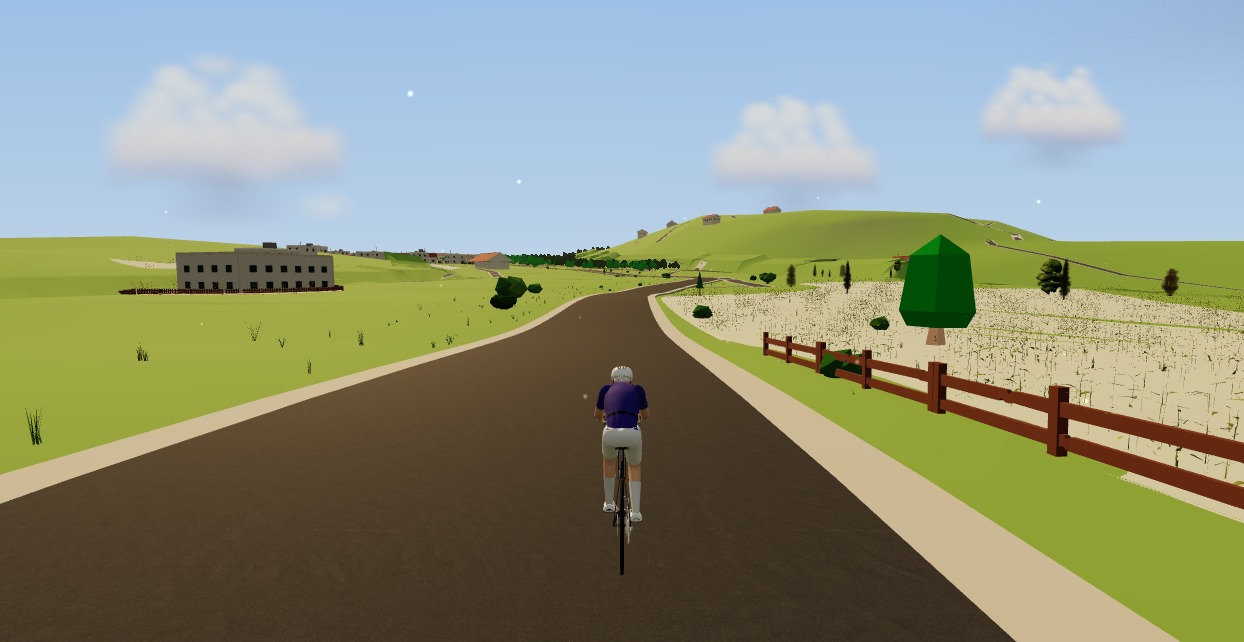
Looking for an indoor cycling app for Mac that doesn't need a download? macOS runs a full smart-trainer session straight from a browser tab — pairing, ERG, real 3D roads and a Strava upload. Here's how, and the one thing to watch on Apple Silicon.
ERG mode in the browser: hold your watts on any smart trainer
ERG mode used to mean installing a desktop app. Not any more. Here's how ERG mode in the browser works — how a tab sets the resistance on your smart trainer and holds your target watts through every interval, free.
A Tacx app alternative that runs in your browser (free)
If the Tacx Training app isn't for you, you don't have to jump straight to a Zwift subscription. Here's a free Tacx app alternative that controls your Tacx Neo, Flux or Flow from a browser tab — ERG, real roads and a Strava upload included.
How to connect a smart trainer to your browser with Web Bluetooth
Your browser can talk to your smart trainer directly — no app, no dongle, no ANT+ stick. Here's how Web Bluetooth pairing works, what it supports, and how to fix it when it won't connect.

How to record an indoor ride to Strava (without Zwift)
An indoor ride should count. Here's how to record an indoor ride to Strava with full power, cadence and heart-rate data — without Zwift — using a free browser app that saves the ride even if your connection drops.

A free indoor ride in your browser: how far Moveee Indoor gets you for nothing
How much real indoor training can you get without paying a subscription or installing anything? Quite a lot, as it turns out. Here's the free browser setup, end to end.
A Rouvy alternative for riding real roads indoors
Rouvy put real roads on the trainer with video. If you want a Rouvy alternative that rebuilds real roads in 3D from map data — including your own routes — and runs free in the browser, here's how the two approaches compare.
How to ride a GPX file indoors on your smart trainer
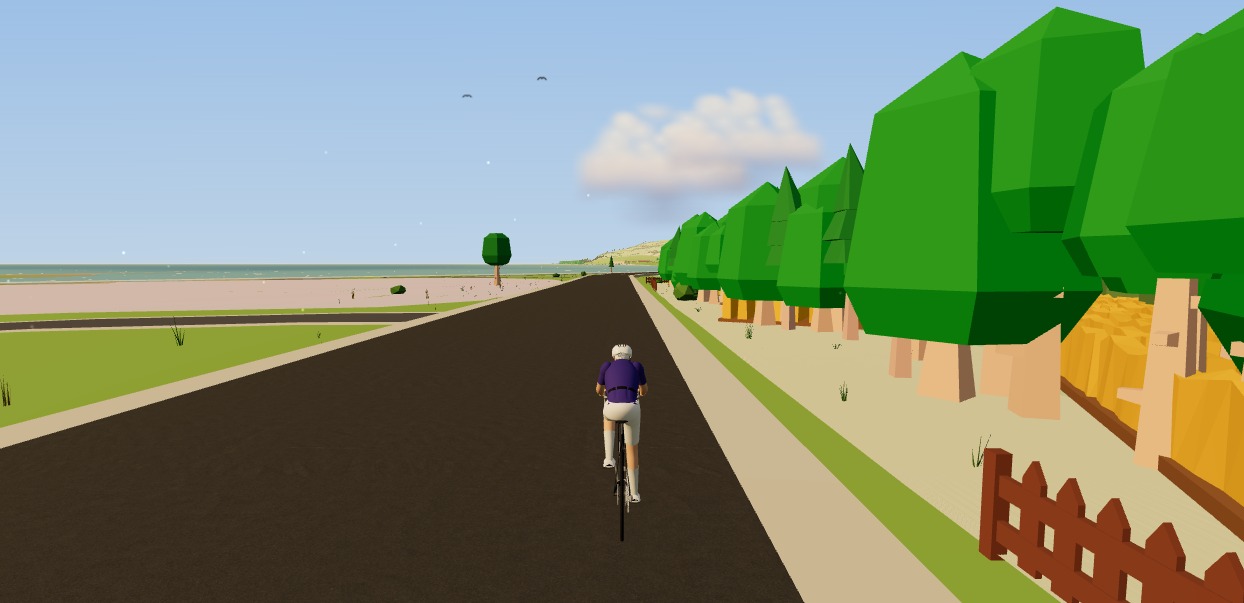
Any route you can export as a GPX file, you can ride indoors. Here's how to turn a GPX into a 3D indoor ride on your smart trainer — with real gradients driving the resistance — straight from your browser, no install.