
The Moveee team
Free coaching · a real route for every ride
Somewhere between deciding to train indoors and actually turning a pedal, most apps make you stop and install something — a download in the tens of gigabytes, a launcher, an account, a wait. For a lot of people that's a mild annoyance. For some, it's a brick wall: the work laptop won't let you install anything, the old machine hasn't the disk space, or you simply don't want another background updater cluttering the place up.
Online, no-install training is the answer to that, and it's exactly what Moveee Indoor — our browser-based indoor app — is built to be. You open a web page and you ride. That's the whole setup. Here's what that actually means, who it's genuinely good for, and — just as honestly — who it isn't.
What "online, no install" actually means
It's worth being concrete, because "runs in your browser" has meant flimsy things in the past. Here it means something specific: the entire app lives at a web address, and everything below follows from that one fact.
You open a URL
The whole app is a web address. Type it, or bookmark it, and you're in — no download to wait through before your first pedal stroke.
Always the latest version
There's no version to keep current. Whatever we shipped this morning is what loads when you open the tab — no patch day, no launcher update.
Nothing on your disk
No multi-gigabyte world to store and re-download. It doesn't matter that your laptop is nearly full — the app takes essentially none of it.
No admin password
Installing software needs permission a work or school laptop often won't give. Opening a website doesn't — so a locked-down machine can still ride.
Nothing to uninstall
Change your mind and there's no leftover launcher, no background updater, no folders to clean out. Close the tab and it's gone.
No launcher in the way
No separate program that has to boot, sign you in and update itself before the app will start. The page is the app.
Add these up and the entire "get set up" phase of indoor training simply disappears. There's no evening lost to a download bar, no launcher to babysit, no 12 GB you have to find room for. The gap between wanting to ride and riding is about as long as it takes a web page to load. If you want the fuller comparison against the installed way of doing things, browser vs installed app lays them side by side.
Who it's genuinely for — and who it isn't
No-install training suits some riders perfectly and leaves others cold, and pretending otherwise helps nobody. Here's the honest split.
Squarely for you if…
You're on a work, school or shared laptop with no admin rights
Your machine is low on disk, or old enough that a 3D game install is a stretch
You just want to ride now, not wait 20 minutes for a download and a login
You like a clean computer and hate background updaters and launchers
Honestly not for you if…
You only have an iPhone or iPad — iOS browsers can't pair a trainer, and there's no native app
You specifically want an installed app that works fully offline, with no browser involved
You're chasing a big, busy racing scene right now — that isn't here yet
The iOS gap is the one that catches people out, so it's worth saying twice: pairing a smart trainer from a browser needs Web Bluetooth, and iPhone and iPad browsers don't support it — nor is there a native Moveee app to fall back on. On a Mac, Windows PC, Linux box, Chromebook or Android tablet running Chrome or Edge, though, you're fine.
Does "online" mean I need a flawless connection?
It's the fair follow-up, since "online" and "no install" travel together. You do open the app over the internet — that's precisely how there's nothing to download — and it leans on your connection to build the world from the map and to sync the finished ride afterwards. But the session itself doesn't hang on a perfect signal from start to finish. The recording is backed up as you ride, so a Wi-Fi wobble in the middle of an interval costs you a moment's stutter in the live picture, never the ride itself. It's an online tool, in other words, not a fragile one — and that distinction is the whole reason no-install training is worth trusting with a hard session.
Still a full training tool — not a web toy
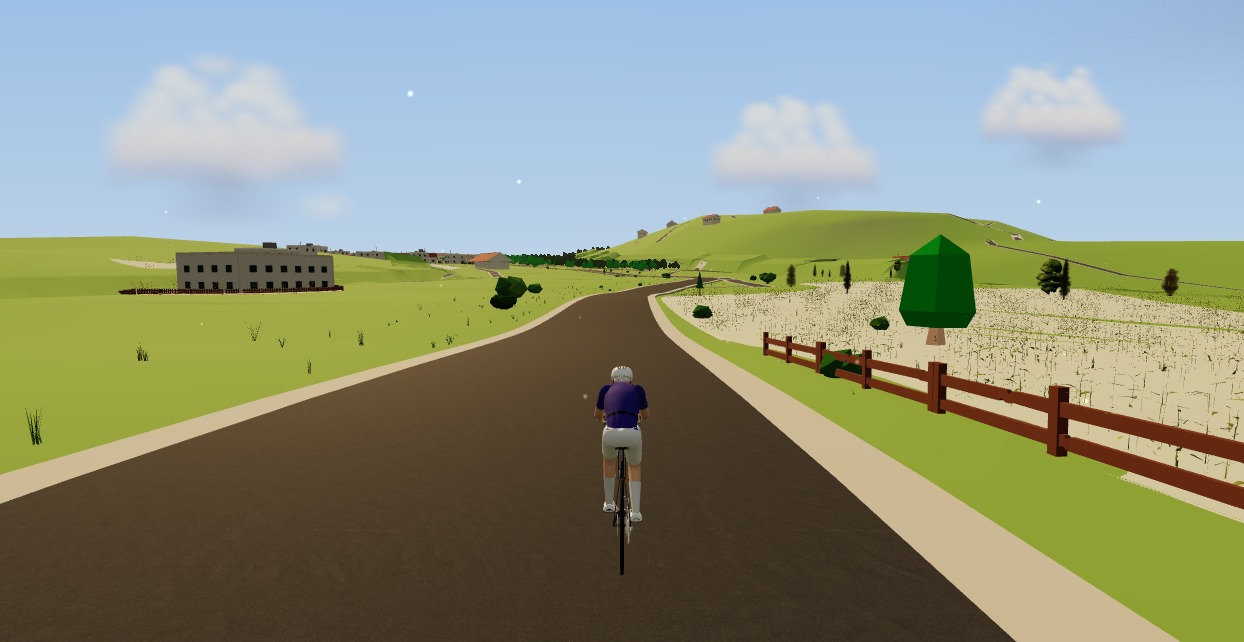
The thing "no install" can wrongly imply is "cut-down". It isn't. Nothing about running in a browser waters down the training — the whole platform is there, the same one you'd get from any installed app. You pair your smart trainer, power meter and heart-rate strap over Bluetooth. ERG mode holds your target watts through any of 150-plus structured workouts, or one of your own; off a workout, the resistance tracks the road's real gradient instead. The world you ride is your own saved routes rebuilt in 3D from OpenStreetMap and real elevation data — actual streets, buildings, rivers and coastline.
And the ride counts. It saves with full post-ride analysis — power streams, NP, IF, TSS, best efforts, plan compliance — lands on your calendar, feeds your training plan, and publishes to Strava in one tap with a photo of the virtual world. There's a walk-through of the whole thing running in can you really train indoors in a browser if you want to see it move. The point stands: no install buys you convenience, and costs you nothing in capability.
Train indoors without installing a thing
Open Moveee Indoor in Chrome or Edge, pair your trainer, and ride a real route rebuilt from the map — no app store, no admin password, no disk space. Free while in alpha.
Runs in your browser · Chrome or Edge · no iOS · free while in alpha
Sources 6
Where this article summarises a study, the study itself is linked — not a write-up of it.
- 1 Web Bluetooth · W3C Web Bluetooth Community Group · 2024
- 2 Web Bluetooth API — browser compatibility · MDN Web Docs · 2025
- 3 Web Bluetooth — browser support · Can I use · 2025
- 4 Communicating with Bluetooth devices over JavaScript · Chrome for Developers · 2024
- 5 Fitness Machine Service 1.0 · Bluetooth SIG · 2017
- 6 About OpenStreetMap · OpenStreetMap · 2025
Your own roads, indoors, in a browser tab
Moveee Indoor pairs your smart trainer over Bluetooth and rebuilds a route you have saved as a 3D road — real gradients, ERG for the intervals, and the ride saved with full power data. Nothing to install. Free while it is in alpha.
Start an indoor rideKeep reading

Indoor cycling on an Android tablet or phone (in the browser)
You don't need a laptop or an app-store download to train indoors. Here's how to run a full indoor cycling app on an Android tablet or phone, straight from Chrome — pairing your smart trainer over Bluetooth, holding ERG targets and saving to Strava.
Indoor cycling on a Chromebook: the trainer apps that actually work
A Chromebook can't install Zwift — but it can still run a full trainer session. Here's how to ride indoors on Chrome OS with nothing to download, and exactly what you need.
Can you really train indoors in a browser? How Moveee Indoor works in 2026
"In the browser" used to mean toy-grade. Not any more. Here's how a browser now pairs your trainer, holds your watts and renders a real 3D world — and what still needs a native app.

Turn a dumb trainer smart with a power meter and your browser
You don't need to buy a smart trainer to train with power indoors. Here's how to turn a dumb trainer smart with a power meter (or speed sensor) and a free browser app — including how virtual power fills the gap if you have neither.
A free MyWhoosh alternative that rides your own real routes
MyWhoosh proved indoor cycling can be free. If you want a free MyWhoosh alternative that rides your own real roads instead of a fictional world — and runs in the browser with nothing to install — here's the honest comparison.

An indoor cycling app for Windows with nothing to install
No admin rights, no 12 GB download, no launcher updating itself before every session. Here's how to run a full indoor cycling app on Windows with nothing to install — a browser tab, your smart trainer, and a real 3D road.
The best indoor cycling apps in 2026 (an honest round-up)
Zwift, TrainerRoad, Rouvy, MyWhoosh and the rest — what each one is actually for, what it costs, and how to pick the app that matches how you like to ride indoors.

Browser vs installed app: why riding indoors shouldn't need a 12 GB download
Installed apps still win on a couple of things — but fewer than you'd think. Here's an honest head-to-head between browser-native and installed indoor cycling, feature by feature.

A free indoor ride in your browser: how far Moveee Indoor gets you for nothing
How much real indoor training can you get without paying a subscription or installing anything? Quite a lot, as it turns out. Here's the free browser setup, end to end.

A free app for Saris and JetBlack trainers (in your browser)
A Saris H3 or a JetBlack Volt doesn't need a subscription to earn its keep — both brands speak standard Bluetooth FTMS, so a browser tab can control resistance, hold ERG targets and record the ride. Model-by-model support, pairing steps, and the honest caveats for older wheel-on units.

Indoor cycling on any device: how Moveee Indoor runs in the browser (even on a Mac)
Mac, Windows, Linux, a Chromebook or an Android tablet — if it runs Chrome or Edge, it can run a full trainer session. Here's how one browser app rides on all of them, and the one gap (iOS).
How to train indoors: turning trainer time into real fitness
An hour on the trainer can be worth ninety minutes on the road — or completely wasted. Here's how to structure indoor sessions so every minute you spend in the pain cave counts.