The Moveee team
Free coaching · a real route for every ride
Search for "Zwift on Chromebook" and you'll find a long trail of forum threads, half-working workarounds and disappointed riders. The frustration is understandable: Chromebooks are cheap, light and everywhere — the obvious second screen to prop on a desk in front of the turbo — and yet the big-name indoor cycling apps just won't install on them. The good news is that the reason they won't, and the thing that finally does work, are both simple once you see them.
Why you can't just install Zwift
A Chromebook doesn't run Windows or macOS. It runs Chrome OS, which is built around the Chrome browser, and it can't install the native .exe or .app programs those platforms use. Zwift, and most of its rivals, are native applications written for Windows, macOS, iPadOS or Apple TV. There is simply no version of them that installs on Chrome OS the way it would on a laptop — the file has nowhere to go.
That isn't a bug or an oversight. It's the same design decision that makes Chromebooks cheap, quick to boot and hard to break: they don't run arbitrary installed software. Which is wonderful for battery life and terrible for a rider who just wants to ride the Alpe.
The workarounds — and why they underwhelm
There are two well-worn attempts to force a native app onto a Chromebook, plus the one that's actually built for it:
Install the Android app
FiddlyMost Chromebooks run Android apps from the Play Store, so in theory you can install a phone version of a trainer app.
The Android build is often a cut-down phone app, and Chrome OS's Bluetooth stack doesn't always pass the trainer through cleanly to it — pairing that works on a phone can silently fail on the same app on a Chromebook.
Turn on Linux (Crostini)
AdvancedChrome OS can run a Linux container, and a Linux desktop app could in principle live there.
Getting a Linux container to reach the Chromebook's Bluetooth radio is genuinely awkward, few cycling apps ship a Linux build anyway, and this is well past what most riders want to debug before a workout.
Run it in the browser
Just worksA browser-native app runs in the Chrome tab that Chrome OS is built around — no container, no Play Store, no install.
Chrome on Chrome OS has Web Bluetooth, so it pairs the trainer directly and rides. This is the path that's actually designed for the machine you own.
The pattern is clear. The Android and Linux routes ask you to fight the machine, and the thing they fight hardest over — reaching the trainer's Bluetooth — is exactly the thing that has to work for a ride to happen at all. The browser route doesn't fight anything, because a browser is what a Chromebook is.
The clean answer: ride in the browser
Chrome OS runs Chrome. Chrome has Web Bluetooth — the capability that lets a web page connect directly to a Bluetooth trainer, with your permission, no install involved. So a browser-native indoor cycling app treats a Chromebook as a first-class device rather than an awkward exception: you open a tab, click pair, choose your trainer, and ride. There's no Play Store detour, no Linux container, and nothing that Chrome OS wasn't already built to do.
It's the same pairing flow a browser app uses on any computer — the difference is only that on a Chromebook it's the only path that's clean, rather than one option among several. If you want the mechanics of that pairing in detail, we walk through it in connecting a smart trainer with Web Bluetooth.
What you'll need
The kit list is short, and most of it you'd want for any indoor setup:
A Chromebook from the last few years Essential
Anything reasonably recent has the CPU and GPU headroom for a light 3D world and the up-to-date Chrome that Web Bluetooth needs. A very old, entry-level model will struggle.
A Bluetooth smart trainer (FTMS) Essential
Pairing happens over Bluetooth, so you need an FTMS trainer — Wahoo, Tacx, Elite, Saris and most modern units. An ANT+-only sensor won't be seen.
A big fan
The single best indoor upgrade there is, Chromebook or not. Heat, not fitness, ends most trainer sessions early.
A stable surface at eye level
A stand or a shelf so the Chromebook's screen sits where you can read your numbers without hunching over the bars.

Be realistic about performance
Here's the honest part. A Chromebook is not a gaming laptop, and a browser-rendered cycling world — while far lighter than a full native game engine — is still real-time 3D. On a recent Chromebook it runs smoothly. On a very old or bottom-of-the-range one, expect to keep expectations reasonable: the world is deliberately light, but it's a world, not a static screen, and modest hardware will feel modest.
What you're not compromising on is the training. Pairing, ERG workouts holding your watts, gradient-driven resistance, and a full power recording all work identically regardless of how fancy the scenery looks. If your Chromebook has to render the trees a little simpler, your interval is still exactly as hard and your saved ride is still exactly as accurate.
The setup that suits a Chromebook
This is precisely the gap Moveee Indoor — our own browser-based indoor app — is built to fill. It runs entirely in a Chrome tab, so there's nothing to install on Chrome OS and nothing to keep updated. Pair your trainer over Bluetooth, pick one of your own saved routes, and it builds a 3D world along the real roads from OpenStreetMap and elevation data. ERG holds your targets in a workout; the ride saves with full power streams and counts toward your Moveee training plan just like an outdoor one. It's free while in alpha — young, with some rough edges, and no racing scene yet — but for a Chromebook it's about as friction-free as indoor training gets.
If you're weighing up whether a browser really can carry a full trainer session across the machines you own — Chromebook, Mac, an old laptop or an Android tablet — read indoor cycling on any device next, or the wider case for a cycling trainer app that runs entirely in your browser. The one-line summary, though: your Chromebook was never the problem. The install was.
Sources 7
Where this article summarises a study, the study itself is linked — not a write-up of it.
- 1 Install Android apps on your Chromebook · Google Chromebook Help · 2025
- 2 Set up Linux on your Chromebook · Google Chromebook Help · 2025
- 3 Supported Devices to Run Zwift · Zwift Support · 2025
- 4 Communicating with Bluetooth devices over JavaScript · Chrome for Developers · 2024
- 5 Web Bluetooth · W3C Web Bluetooth Community Group · 2024
- 6 Fitness Machine Service 1.0 · Bluetooth SIG · 2017
- 7 Périard JD, Eijsvogels TMH, Daanen HAM Exercise under heat stress: thermoregulation, hydration, performance implications, and mitigation strategies · Physiological Reviews · 2021
Your own roads, indoors, in a browser tab
Moveee Indoor pairs your smart trainer over Bluetooth and rebuilds a route you have saved as a 3D road — real gradients, ERG for the intervals, and the ride saved with full power data. Nothing to install. Free while it is in alpha.
Start an indoor rideKeep reading

Browser vs installed app: why riding indoors shouldn't need a 12 GB download
Installed apps still win on a couple of things — but fewer than you'd think. Here's an honest head-to-head between browser-native and installed indoor cycling, feature by feature.

An indoor cycling app for Windows with nothing to install
No admin rights, no 12 GB download, no launcher updating itself before every session. Here's how to run a full indoor cycling app on Windows with nothing to install — a browser tab, your smart trainer, and a real 3D road.

Indoor cycling on an Android tablet or phone (in the browser)
You don't need a laptop or an app-store download to train indoors. Here's how to run a full indoor cycling app on an Android tablet or phone, straight from Chrome — pairing your smart trainer over Bluetooth, holding ERG targets and saving to Strava.
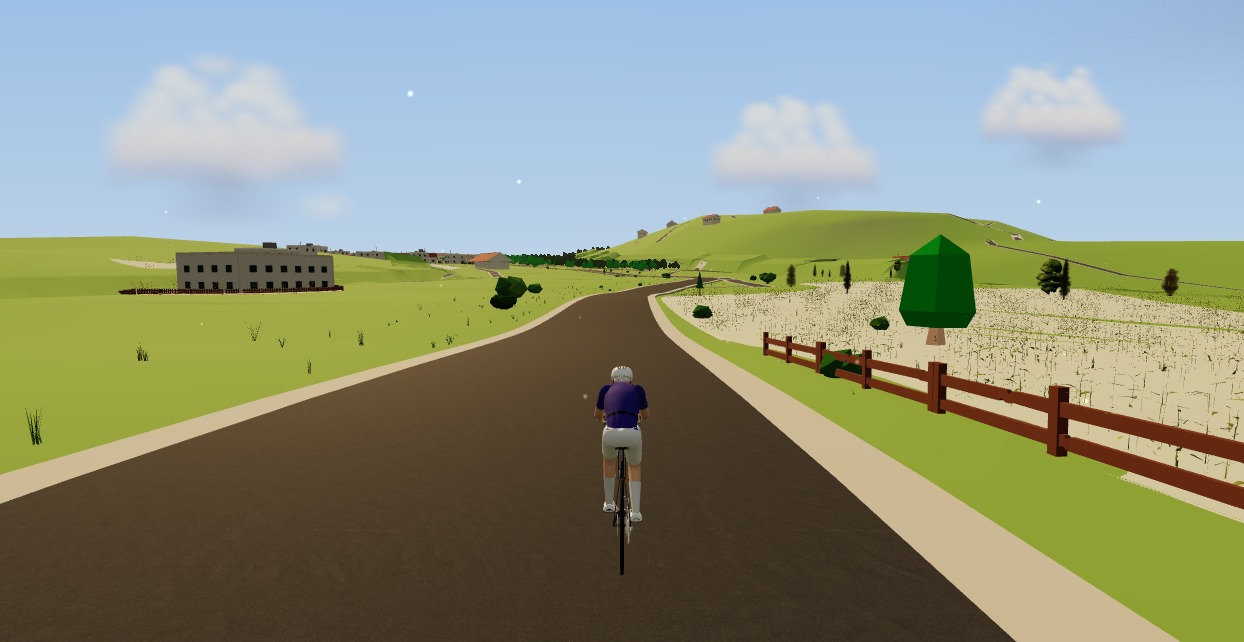
The best indoor cycling app for Mac (no download, runs in your browser)
Looking for an indoor cycling app for Mac that doesn't need a download? macOS runs a full smart-trainer session straight from a browser tab — pairing, ERG, real 3D roads and a Strava upload. Here's how, and the one thing to watch on Apple Silicon.

Indoor cycling on any device: how Moveee Indoor runs in the browser (even on a Mac)
Mac, Windows, Linux, a Chromebook or an Android tablet — if it runs Chrome or Edge, it can run a full trainer session. Here's how one browser app rides on all of them, and the one gap (iOS).
The best indoor cycling apps in 2026 (an honest round-up)
Zwift, TrainerRoad, Rouvy, MyWhoosh and the rest — what each one is actually for, what it costs, and how to pick the app that matches how you like to ride indoors.

Browser-based indoor cycling: the apps you can ride with zero downloads
Most indoor cycling apps still want you to install a small game. A handful don't. Here's the honest state of browser-based indoor training in 2026 — what runs in a tab, and how well.

No app store, no install: online cycling training with Moveee Indoor
You don't need an app store, an admin password or 12 GB free to train indoors. Here's what "online, no-install" cycling training actually looks like in practice — and who it suits.

How to use your Wahoo KICKR without Zwift (a free browser app)
Your Wahoo KICKR doesn't need Zwift — or any subscription — to give you a proper session. Here's how to use a KICKR (or KICKR Core, Snap and Move) with a free browser app that controls resistance, holds ERG targets and saves to Strava.
Zwift on iPad? A browser alternative for tablets that actually works
Searching for Zwift on iPad — or a lighter tablet alternative? Here's the honest state of indoor cycling on tablets in 2026: what works on an Android tablet in the browser, the real iPad Bluetooth catch, and the simplest setups that just work.

From a browser tab to Strava: how Moveee Indoor runs a full trainer session
Follow one indoor ride from cold trainer to a Strava post — pairing, ERG intervals, a real 3D road, full power analysis and a one-tap upload — all without installing a thing.
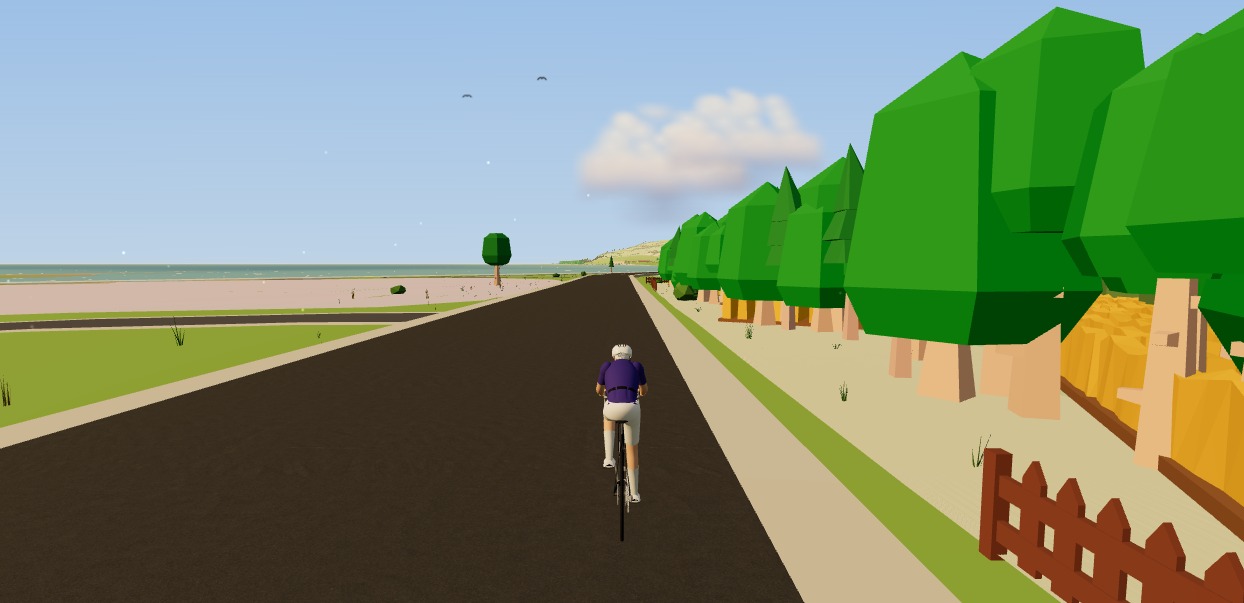
How to ride a GPX file indoors on your smart trainer
Any route you can export as a GPX file, you can ride indoors. Here's how to turn a GPX into a 3D indoor ride on your smart trainer — with real gradients driving the resistance — straight from your browser, no install.