
The Moveee team
Free coaching · a real route for every ride
Riding a stationary bike in your spare room should not require the same disk space as a modern video game. Yet that's roughly where the category landed: pick almost any well-known indoor platform and step one is a multi-gigabyte download, step two is an update, and step three — eventually — is the ride. On the evening you actually carved out an hour, that ordering stings.
It doesn't have to be that way any more, and this piece is about deciding when it should and shouldn't. Browser-native indoor apps now exist; installed apps aren't going anywhere. Both are legitimate. So here's a straight, feature-by-feature comparison — including the handful of rows where the installed app genuinely wins — to help you pick the right one for how you actually train.
The ledger, row by row
No thumb on the scale. Each row names a winner, and the browser doesn't take all of them.
| Browser-native | Installed app | Edge | |
|---|---|---|---|
| Getting started | Open a URL, pair, ride — about a minute | Download, install, update, then ride | Browser |
| Install size | Zero — there's nothing to install | Typically 5–15 GB, per platform | Browser |
| Updates | Always current; nothing to download | Manual or background downloads, sometimes mid-session | Browser |
| Disk footprint | None left behind | Gigabytes, and it tends to grow | Browser |
| Cross-device | Any Chromium machine — nothing to reinstall | Reinstall and re-log-in on each device | Browser |
| Trainer pairing | Bluetooth — FTMS, CPS, HR via Web Bluetooth | Bluetooth and ANT+ (with a dongle) | App |
| Works offline | Needs a live connection | Rides offline once it's installed | App |
| Background / screen-off | Tab must stay awake and in front | Can hold a ride in the background | App |
| iPhone & iPad | Not yet — iOS has no Web Bluetooth | Full native iOS / iPadOS app | App |
Install sizes are indicative and vary by platform; the ANT+, offline and iOS rows are the ones worth weighing hardest, because they're the browser's real, structural limits — not rough edges that'll be polished away next month.
Where the browser genuinely wins
The browser's advantages cluster around one idea: there's no software to own. That sounds minor until you've spent a February evening watching a progress bar instead of warming up.
Nothing between you and the ride
No install, no update queue, no gigabytes. The gap between 'I have an hour' and 'I'm pedalling' is about a minute.
It follows you anywhere
Work laptop, family PC, a friend's machine — sign in, pair, ride. There's nothing to carry and nothing to reinstall.
No maintenance debt
You're always on the current version, and you never lose an evening to a download that had to finish first.
Where the installed app still wins
And now the other side of the ledger, because pretending it doesn't exist would be dishonest. These aren't teething problems a browser app will fix next quarter — they're structural, and for some riders they're decisive.
Truly offline
Once installed, a native app rides with no connection at all — a real advantage in a garage with patchy Wi-Fi.
ANT+ hardware
Older trainers and some power meters only speak ANT+. A native app plus a USB dongle reaches them; a browser can't.
iPhone & iPad
If your pain-cave screen is an iPad, a native app is currently your only route — iOS doesn't expose Bluetooth to the browser.
The browser's honest catches
A browser tab has quirks a dedicated window doesn't. If your machine sleeps or the tab drops to the background, rendering can stutter, so it pays to keep the tab awake and in front — plug the laptop in and turn off sleep before a long session. A good browser-native app should also back your recording up as it goes, so a closed tab or a dropped connection can't wipe the ride. That last part is a fair question to ask of any browser tool before you trust an hour of intervals to it.

So which should you pick?
Here's the honest landing point, without overclaiming: for most people, most of the time, browser-native is enough. If you ride a Bluetooth smart trainer on a laptop, in a room with Wi-Fi, the browser's wins — instant start, nothing to install, no updates, follows you to any machine — are real and daily, while its losses barely touch you. If you're on an iPad, depend on ANT+, or train somewhere genuinely offline, a native app is still the right tool, and there's no shame in that. If you're still choosing the hardware underneath all this, our smart trainer buying guide covers what to look for — Bluetooth versus ANT+ very much included.
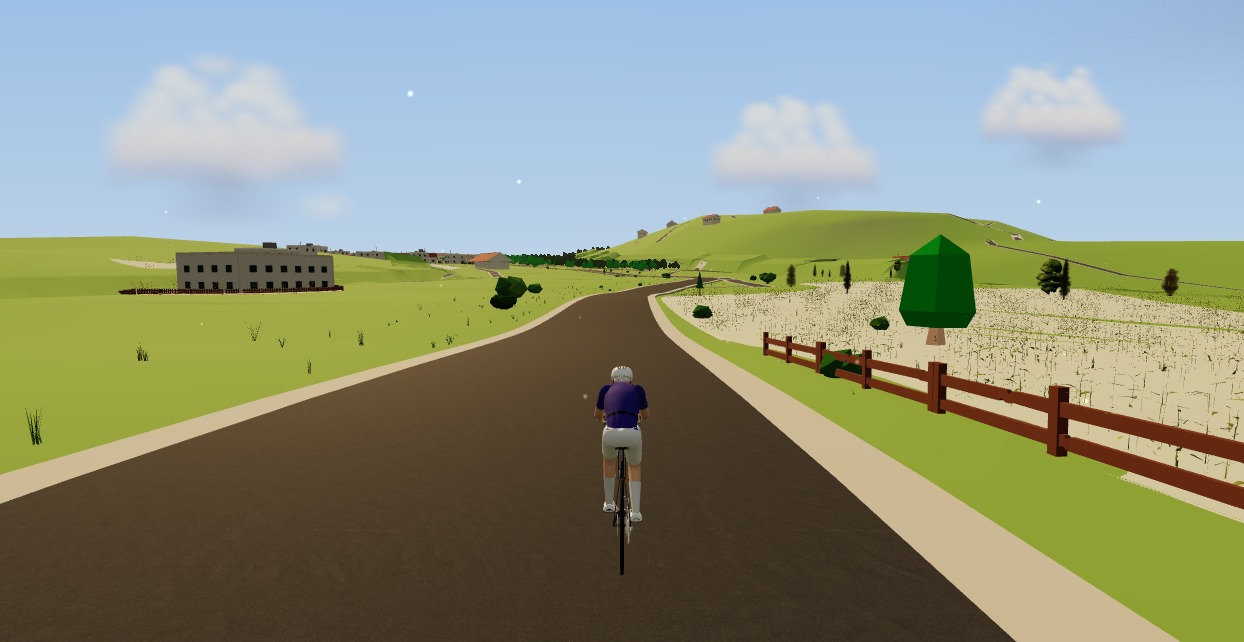
The browser-native option we build is Moveee Indoor — our own product, and we'll say so plainly. The whole ride runs in Chrome or Edge: pair your trainer over Bluetooth, ride your own real routes rebuilt in 3D from map data, hold watts in ERG mode, and the finished session backs itself up as you go, then counts toward your Moveee training plan and heads to Strava in a tap. It's free while in alpha, with the honest caveats above. If you want to see the browser side in action first, our walkthrough on how to train indoors in your browser takes it step by step.
Twelve gigabytes was never the price of a good indoor ride. It was just the price of the era that's ending.
Sources 7
Where this article summarises a study, the study itself is linked — not a write-up of it.
- 1 Web Bluetooth — Draft Community Group Report · Web Bluetooth Community Group (W3C) · 2024
- 2 Web Bluetooth API — browser compatibility · MDN Web Docs (Mozilla) · 2025
- 3 Mozilla specification positions (Web Bluetooth: harmful) · Mozilla · 2025
- 4 Fitness Machine Service 1.0 (FTMS) · Bluetooth SIG · 2017
- 5 Cycling Power Service 1.1 (CPS) · Bluetooth SIG · 2016
- 6 Heavy throttling of chained JS timers beginning in Chrome 88 · Chrome Developers (Google) · 2021
- 7 Screen Wake Lock API · MDN Web Docs (Mozilla) · 2025
Your own roads, indoors, in a browser tab
Moveee Indoor pairs your smart trainer over Bluetooth and rebuilds a route you have saved as a 3D road — real gradients, ERG for the intervals, and the ride saved with full power data. Nothing to install. Free while it is in alpha.
Start an indoor rideKeep reading

Indoor cycling on a Chromebook: the trainer apps that actually work
A Chromebook can't install Zwift — but it can still run a full trainer session. Here's how to ride indoors on Chrome OS with nothing to download, and exactly what you need.
Can you really train indoors in a browser? How Moveee Indoor works in 2026
"In the browser" used to mean toy-grade. Not any more. Here's how a browser now pairs your trainer, holds your watts and renders a real 3D world — and what still needs a native app.

What a browser-based cycling app can — and can't — do in 2026
Browsers grew up. They can now pair your trainer, render a 3D world and save a ride with full power data. But a few things still belong to native apps. An honest capabilities audit.
Indoor cycling on an Android tablet or phone (in the browser)
You don't need a laptop or an app-store download to train indoors. Here's how to run a full indoor cycling app on an Android tablet or phone, straight from Chrome — pairing your smart trainer over Bluetooth, holding ERG targets and saving to Strava.

Browser-based indoor cycling: the apps you can ride with zero downloads
Most indoor cycling apps still want you to install a small game. A handful don't. Here's the honest state of browser-based indoor training in 2026 — what runs in a tab, and how well.
The best indoor cycling app for Mac (no download, runs in your browser)
Looking for an indoor cycling app for Mac that doesn't need a download? macOS runs a full smart-trainer session straight from a browser tab — pairing, ERG, real 3D roads and a Strava upload. Here's how, and the one thing to watch on Apple Silicon.
The best indoor cycling apps in 2026 (an honest round-up)
Zwift, TrainerRoad, Rouvy, MyWhoosh and the rest — what each one is actually for, what it costs, and how to pick the app that matches how you like to ride indoors.

An indoor cycling app for Windows with nothing to install
No admin rights, no 12 GB download, no launcher updating itself before every session. Here's how to run a full indoor cycling app on Windows with nothing to install — a browser tab, your smart trainer, and a real 3D road.

No app store, no install: online cycling training with Moveee Indoor
You don't need an app store, an admin password or 12 GB free to train indoors. Here's what "online, no-install" cycling training actually looks like in practice — and who it suits.
Try indoor training right now: open Moveee Indoor in your browser
No account wall, no 20-minute download before your first pedal stroke. Here's how to go from cold trainer to riding a real 3D road in about five minutes, straight from a browser tab.

A free app for Elite smart trainers (in your browser)
Own an Elite Suito, Direto or Justo? You don't need a subscription to ride it properly. Here's a free app for Elite smart trainers that runs in your browser — FE-C/FTMS control, ERG intervals, real 3D roads and a Strava upload.
How to ride a GPX file indoors on your smart trainer
Any route you can export as a GPX file, you can ride indoors. Here's how to turn a GPX into a 3D indoor ride on your smart trainer — with real gradients driving the resistance — straight from your browser, no install.