The Moveee team
Free coaching · a real route for every ride
The most common question we get from someone eyeing up indoor training is also the most practical: "will it run on the computer I already own?" And more often than not, that computer is a Mac — a machine that Zwift and its rivals technically support, but only if it's recent and powerful enough, and never on the iPad you actually keep by the turbo. The honest answer for a browser-based app is refreshingly short: if it runs Chrome or Edge, it runs a full trainer session. Here's the whole map, including the one device where that isn't true.
The rule is the browser, not the badge
A browser-native indoor app doesn't care what logo is on the lid. What it needs is a browser that supports Web Bluetooth — the capability that lets a web page pair directly with your smart trainer. That means any Chromium browser: Chrome and Edge, on Windows, macOS, Linux, Chromebook or Android. Get one of those in front of the trainer and everything else — ERG workouts, gradient resistance, a full power recording, the 3D world — is identical from device to device.
So the compatibility question stops being about hardware muscle and becomes a single yes/no: does this thing run Chrome or Edge? Here's how that shakes out across everything you might have lying around.
The browser-support matrix
| Device | Works? | Browser | Notes |
|---|---|---|---|
| Windows | Yes | Chrome / Edge | Full support. Edge ships with Windows, so there's nothing to install at all. |
| macOS (Mac) | Yes | Chrome / Edge | Works on any Mac — Intel or Apple silicon. No App Store, no gaming PC. Safari is the exception: it lacks Web Bluetooth, so install Chrome or Edge. |
| Linux | Yes | Chrome / Edge | Any Chromium-based browser pairs a trainer and rides just like the others. |
| Chromebook (ChromeOS) | Yes | Chrome | The browser is the operating system, so this is one of the smoothest setups there is. |
| Android tablet / phone | Yes | Chrome / Edge | Pairs over Bluetooth and rides. A tablet is a fine trainer screen; a phone works but is small. |
| iPhone / iPad (iOS / iPadOS) | No | — | Does not work. No browser on iOS or iPadOS supports Web Bluetooth — not even Chrome, which is forced to use Apple's engine underneath. Trainer pairing is impossible there. |
Yes, it runs on a Mac
This deserves spelling out, because Mac riders are so used to being second-class citizens in indoor cycling. You do not need a gaming PC, and you do not need to hunt through the App Store. Open Chrome or Edge on any Mac — a decade-old MacBook Air included — pair your trainer over Bluetooth, and ride. The one catch is Safari: Apple's own browser doesn't support Web Bluetooth, so it can't pair a trainer. That's a two-minute fix — install Chrome or Edge, which most people already have — and it's the only Mac-specific step in the whole process.
We won't pretend otherwise — iOS and iPadOS don't work, and no browser trick changes that. Apple doesn't allow Web Bluetooth in any browser on those devices, and every iOS browser (Chrome included) is forced to use Apple's engine underneath, so none of them can pair a trainer. If your only screen is an iPad, a browser app isn't your route — you'd need a native app instead. On literally everything else with Chrome or Edge, you're fine.

Screen size, and casting to a TV
Once you know it runs, the only real choice left is which screen you look at. The device doing the pairing and the screen you watch don't have to be the same size — pick whatever's comfortable:
A laptop on a desk or shelf
The default, and perfectly good. Get the screen up near eye level on a stand so you're not hunched over the bars reading your numbers.
A tablet clipped to the bars
Closest to the data and easy to glance at mid-effort. Ideal for workouts where you're watching the target more than the scenery.
Cast or plug into the TV
For the big-screen ride. Mirror the tab to a TV, or run a laptop into it over HDMI — pairing still happens on the computer, the telly is just the display.
A phone screen is genuinely small for a 3D world, so if a phone is all you've got, treat it as a workout display — watch the numbers, not the scenery — or cast it to something bigger. A tablet or laptop is the sweet spot for most people, and a TV is lovely for a long endurance ride where you want to sink into the road.
One app, whatever's on the desk
This device-agnostic reach is the whole reason Moveee Indoor — our own browser-based indoor app — exists in a browser rather than as a native download. There's nothing to install on any of the machines above, nothing to keep updated, and no per-platform build to wait for. Pair your trainer over Bluetooth, pick one of your own saved routes, and it renders the real roads in 3D from map data. The ride saves with full power analysis, counts toward your Moveee training plan, and posts to Strava in a tap. It's free while in alpha — still young, with rough edges and no racing scene yet — and it treats your Mac, your old laptop and your Chromebook exactly alike.
If your everyday machine is a Chromebook, we've got the specifics in indoor cycling on a Chromebook. And if you're still weighing the browser approach against a traditional installed app — the honest trade-offs in both directions — read browser vs installed app next. But for the plain question of "will it run on my device", the matrix above is the answer: almost certainly yes, unless that device has an Apple logo and no keyboard.
Sources 6
Where this article summarises a study, the study itself is linked — not a write-up of it.
- 1 Web Bluetooth – draft community group report · W3C Web Bluetooth Community Group · 2026
- 2 Web Bluetooth implementation status (Chrome, Edge, Safari/WebKit, Firefox) · W3C Web Bluetooth Community Group · 2026
- 3 Communicating with Bluetooth devices over JavaScript · Chrome for Developers (Google) · 2026
- 4 App Store Review Guidelines, 2.5.6 (web browsing apps must use WebKit) · Apple Developer · 2026
- 5 Fitness Machine Service 1.0 · Bluetooth SIG · 2017
- 6 Google Chrome system requirements · Google Chrome Help · 2026
Your own roads, indoors, in a browser tab
Moveee Indoor pairs your smart trainer over Bluetooth and rebuilds a route you have saved as a 3D road — real gradients, ERG for the intervals, and the ride saved with full power data. Nothing to install. Free while it is in alpha.
Start an indoor rideKeep reading

Indoor cycling on an Android tablet or phone (in the browser)
You don't need a laptop or an app-store download to train indoors. Here's how to run a full indoor cycling app on an Android tablet or phone, straight from Chrome — pairing your smart trainer over Bluetooth, holding ERG targets and saving to Strava.

From a browser tab to Strava: how Moveee Indoor runs a full trainer session
Follow one indoor ride from cold trainer to a Strava post — pairing, ERG intervals, a real 3D road, full power analysis and a one-tap upload — all without installing a thing.
Indoor cycling on a Chromebook: the trainer apps that actually work
A Chromebook can't install Zwift — but it can still run a full trainer session. Here's how to ride indoors on Chrome OS with nothing to download, and exactly what you need.
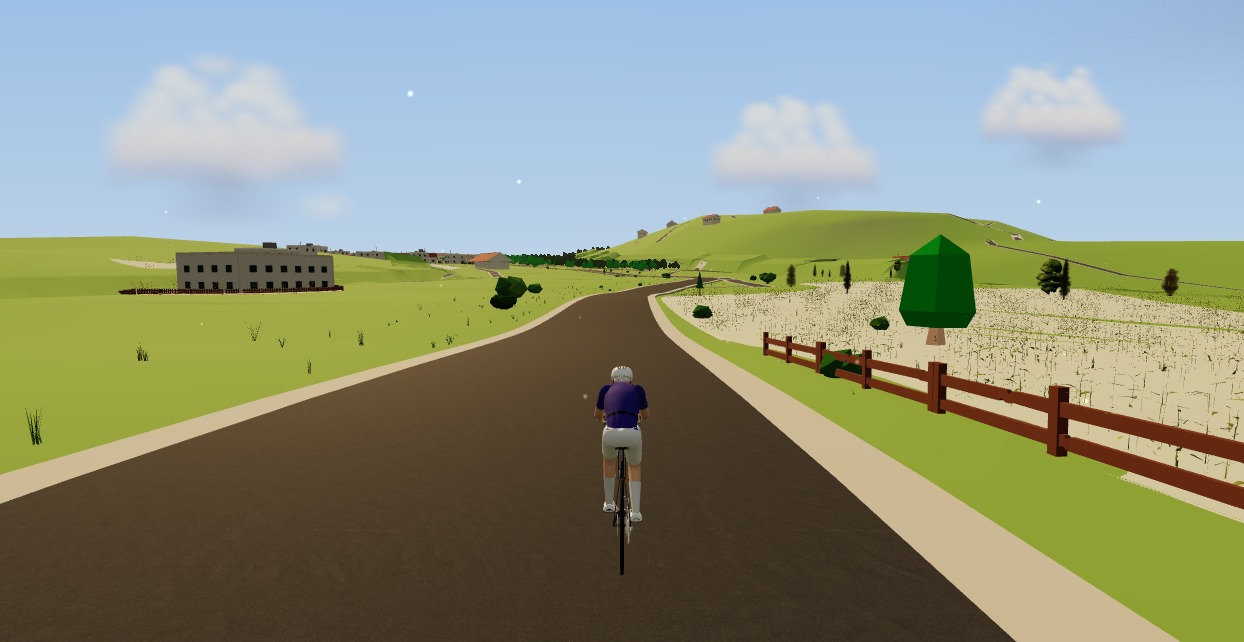
The best indoor cycling app for Mac (no download, runs in your browser)
Looking for an indoor cycling app for Mac that doesn't need a download? macOS runs a full smart-trainer session straight from a browser tab — pairing, ERG, real 3D roads and a Strava upload. Here's how, and the one thing to watch on Apple Silicon.

An indoor cycling app for Windows with nothing to install
No admin rights, no 12 GB download, no launcher updating itself before every session. Here's how to run a full indoor cycling app on Windows with nothing to install — a browser tab, your smart trainer, and a real 3D road.
How to record an indoor ride to Strava (without Zwift)
An indoor ride should count. Here's how to record an indoor ride to Strava with full power, cadence and heart-rate data — without Zwift — using a free browser app that saves the ride even if your connection drops.
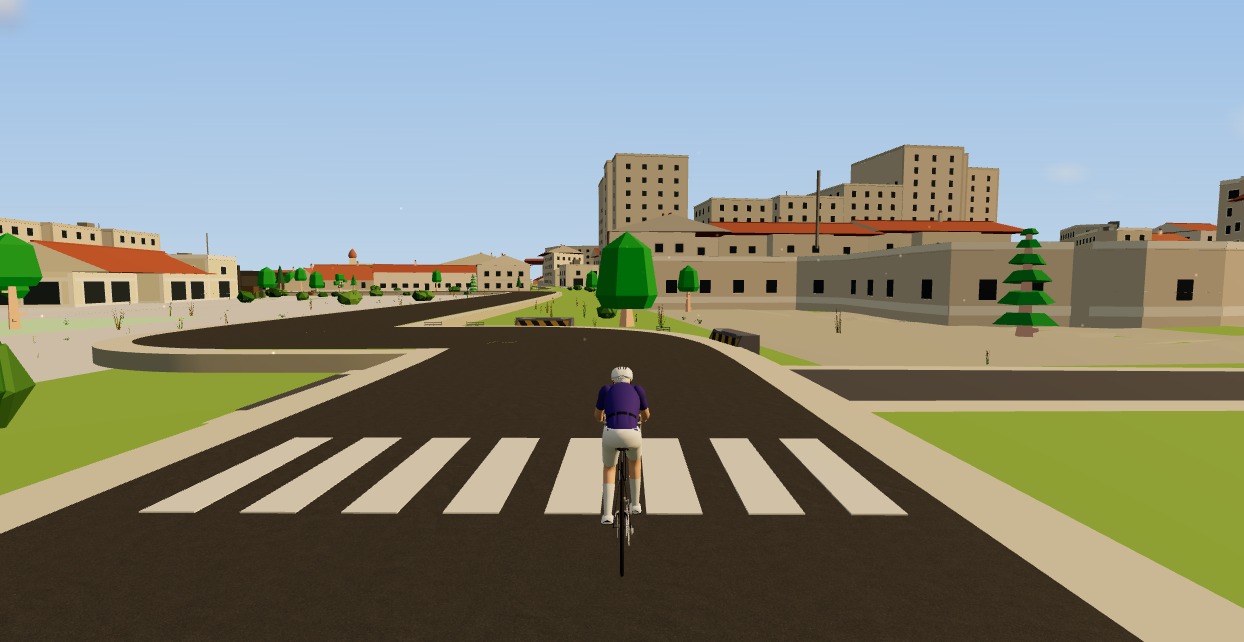
A free MyWhoosh alternative that rides your own real routes
MyWhoosh proved indoor cycling can be free. If you want a free MyWhoosh alternative that rides your own real roads instead of a fictional world — and runs in the browser with nothing to install — here's the honest comparison.

Zwift on iPad? A browser alternative for tablets that actually works
Searching for Zwift on iPad — or a lighter tablet alternative? Here's the honest state of indoor cycling on tablets in 2026: what works on an Android tablet in the browser, the real iPad Bluetooth catch, and the simplest setups that just work.

A free indoor ride in your browser: how far Moveee Indoor gets you for nothing
How much real indoor training can you get without paying a subscription or installing anything? Quite a lot, as it turns out. Here's the free browser setup, end to end.
Can you really train indoors in a browser? How Moveee Indoor works in 2026
"In the browser" used to mean toy-grade. Not any more. Here's how a browser now pairs your trainer, holds your watts and renders a real 3D world — and what still needs a native app.

A free FulGaz and Kinomap alternative for real-road rides
FulGaz and Kinomap ride real roads on video. If you want a free FulGaz and Kinomap alternative that rebuilds real roads in 3D — including routes you've drawn yourself — and runs in the browser, here's how it stacks up.

Fuelling indoor rides: what to eat, drink and when
The physiology isn't different indoors — the conditions are, in four ways that change the numbers. A fuelling table by session length, and why the trainer is the best place to practise race nutrition.