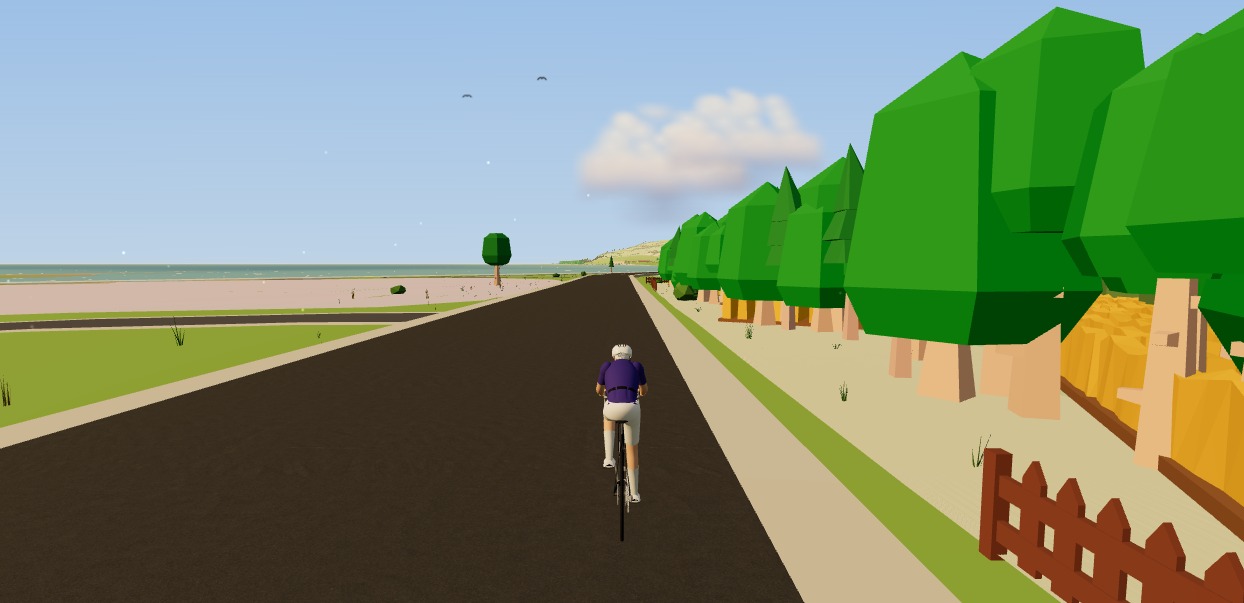
The Moveee team
Free coaching · a real route for every ride
Clip in on the road and your bike computer treats the next two hours as a serious recording — every watt, every heartbeat, every metre. Move indoors and nothing about that should change. The session you ride on a trainer is real training, and it deserves to be captured just as carefully as the one you rode outside. So the fair question, when the whole thing runs in a browser tab, is a blunt one: can you actually trust a tab to hold it?
It's the right thing to be sceptical about, and we build one of these apps, so we'll answer it plainly. This is about Moveee Indoor — our browser-based indoor app — and specifically about the recording: what it captures, and why a tab turns out to be a safer place to keep it than the phrase "just a tab" suggests.
What actually gets recorded
A trainer ride isn't a lightweight thing to log. Because your smart trainer, power meter and heart-rate strap are all paired directly over Bluetooth, the app is reading a full stream of data every single second — the same signals a top-end head unit would collect outdoors, minus a satellite fix it doesn't need, because it already knows exactly where you are on the route.
Power
wattsStraight off your trainer or power meter, sampled every second. It's the number every part of the analysis is built on.
Cadence
rpmYour pedalling rate throughout — so you can see where you were spinning and where you were grinding a big gear.
Heart rate
bpmFrom a paired strap: the effort your body actually felt, laid alongside the watts you were pushing.
Speed & distance
km/h · kmYour virtual speed and the distance covered along the road, from the trainer's data and the slope underneath you.
Gradient
%The real slope of the road at that moment — the reason the resistance rose under your legs when it did.
Virtual track
positionWhere you were on the route, turn by turn — the GPS-equivalent line through the real 3D world you rode.
That's a lot of information to gather and hold onto for an hour or more. On a bike computer it sits safely on a chip in a sealed box strapped to your bars. In a browser, the instinct is to assume it's more fragile — one closed tab from oblivion. That instinct is worth taking seriously, so let's take it head-on.

"But tabs are flaky" — the honest worry
Everyone has lost a browser tab at the worst possible moment. So the fear is reasonable: you finish a brutal two-hour session, reach for the water bottle, and somehow the tab is gone — and with it, you assume, the whole ride. If that were how it worked, no serious rider would touch a browser trainer app, and they'd be right not to.
The reason it isn't how it works is simple: the recording is backed up continuously as you ride, not stored in the tab and written out only when you press stop. Each second's data is saved as it arrives. The tab is just the window you're watching through — the ride itself is kept somewhere a closed window can't reach.
If it goes wrong mid-ride, here's what actually happens
"My Bluetooth drops out for a few seconds"
The ride keeps recording. When the trainer reconnects it carries straight on — nothing from before the dropout is lost.
"I close the tab by accident mid-session"
The session has been backed up as you rode it. Reopen Moveee Indoor and the ride is there waiting, not a blank page.
"The browser or the laptop crashes"
Same answer. The recording is saved continuously as you go, not held inside the tab until you press stop, so a crash can't wipe it.
None of this makes the connection between trainer and browser magically perfect — Bluetooth is Bluetooth, and it occasionally hiccups indoors just as it does with any app. What it means is that a hiccup costs you a few seconds of the live picture, never the ride. The recording is the part that's protected, and the recording is the part that matters. If you want the wider view of what a browser can and can't do here, we go into it in what a browser cycling app can do.
What happens the moment you stop pedalling
A safe recording is only half the job. The other half is turning it into something useful, and this is where an indoor ride should feel identical to an outdoor one — because in Moveee it is. The session saves as a virtual ride and gets the full analysis treatment: your power streams laid out end to end, normalised power, intensity factor and TSS calculated, your best efforts across every duration pulled out, and — if the ride followed a plan — how closely you actually hit the targets.
From there it slots into the rest of your training without you lifting a finger. The ride lands on your calendar and counts toward your training plan exactly like a road ride, so a wet-Tuesday trainer session builds your fitness picture the same as a Sunday club run. And when you want to share it, one tap publishes the whole thing to Strava — complete with a photo of the virtual world you rode through, so your followers see the road, not a spreadsheet.
So: is a browser tab trustworthy?
For the thing that matters — keeping your ride safe and turning it into real training data — yes. The recording is captured second by second, backed up as you go, and processed into a full analysis that feeds straight into your plan and out to Strava. A closed tab or a dropped connection is an inconvenience, not a lost session.
The honest caveats are the ones we give everywhere: Moveee Indoor is free while in alpha, which means young and occasionally rough around the edges, and it needs Chrome or Edge, because pairing a trainer relies on Web Bluetooth that Safari and Firefox don't yet support — so no iPhone or iPad either. But the recording itself? That part you can lean on. If you'd like to see exactly what the browser app is doing under the bonnet, the cycling trainer app that runs in your browser walks through it.
Ride it once and watch it save itself
Open Moveee Indoor in Chrome or Edge, pair your trainer, and ride a real road rebuilt from the map. Every second is recorded, backed up as you go, and waiting for you when you stop.
Runs in your browser · Chrome or Edge · no iOS · free while in alpha
Sources 6
Where this article summarises a study, the study itself is linked — not a write-up of it.
- 1 Web Bluetooth (Draft Community Group Report) · W3C Web Bluetooth Community Group · 2024
- 2 Web Bluetooth API — browser compatibility · MDN Web Docs (Mozilla) · 2024
- 3 Fitness Machine Service 1.0 · Bluetooth SIG · 2017
- 4 Heart Rate Service 1.0 · Bluetooth SIG · 2011
- 5 Sanders D, Abt G, Hesselink MKC, Myers T, Akubat I Methods of Monitoring Training Load and Their Relationships to Changes in Fitness and Performance in Competitive Road Cycling · International Journal of Sports Physiology and Performance · 2017
- 6 Strava API v3 reference · Strava Developers · 2024
Your own roads, indoors, in a browser tab
Moveee Indoor pairs your smart trainer over Bluetooth and rebuilds a route you have saved as a 3D road — real gradients, ERG for the intervals, and the ride saved with full power data. Nothing to install. Free while it is in alpha.
Start an indoor rideKeep reading

How to record an indoor ride to Strava (without Zwift)
An indoor ride should count. Here's how to record an indoor ride to Strava with full power, cadence and heart-rate data — without Zwift — using a free browser app that saves the ride even if your connection drops.

How to use your Wahoo KICKR without Zwift (a free browser app)
Your Wahoo KICKR doesn't need Zwift — or any subscription — to give you a proper session. Here's how to use a KICKR (or KICKR Core, Snap and Move) with a free browser app that controls resistance, holds ERG targets and saves to Strava.
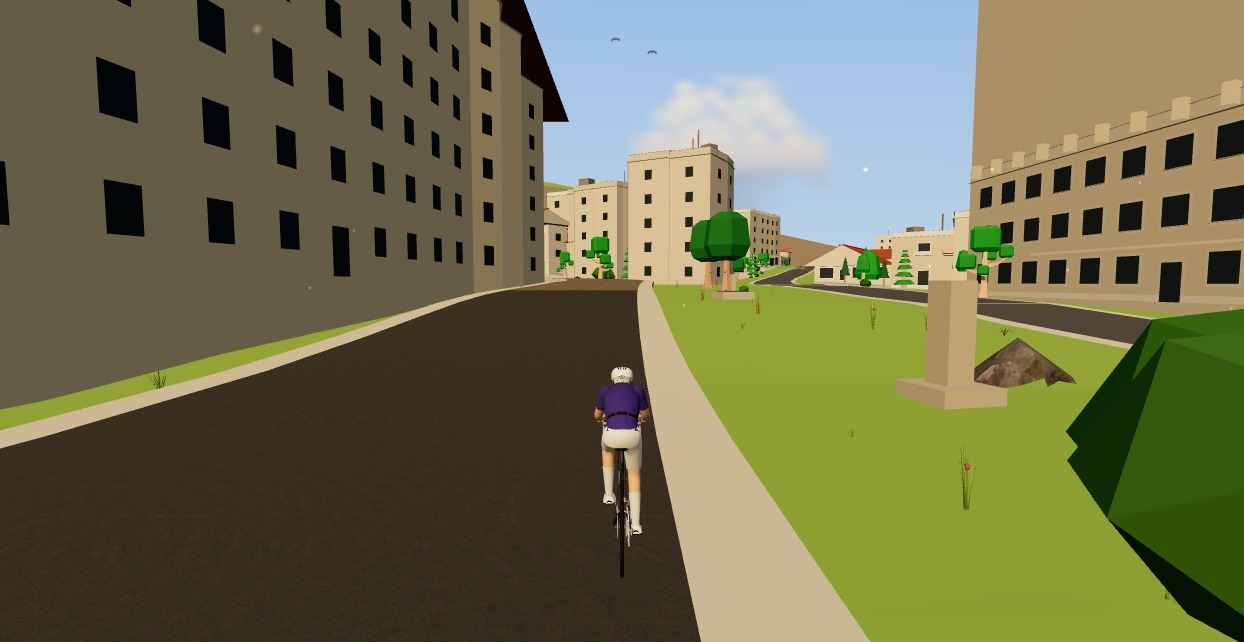
Indoor cycling app with no power meter: what you get and what you don't
Both columns side by side. What a speed sensor gives you indoors — the route, distance, heart rate, cadence, a ride that counts — and what it cannot: watts, ERG, TSS, FTP. Including why we refuse to show you a virtual power number.

A free app for Saris and JetBlack trainers (in your browser)
A Saris H3 or a JetBlack Volt doesn't need a subscription to earn its keep — both brands speak standard Bluetooth FTMS, so a browser tab can control resistance, hold ERG targets and record the ride. Model-by-model support, pairing steps, and the honest caveats for older wheel-on units.

What a browser-based cycling app can — and can't — do in 2026
Browsers grew up. They can now pair your trainer, render a 3D world and save a ride with full power data. But a few things still belong to native apps. An honest capabilities audit.

Indoor cycling on an Android tablet or phone (in the browser)
You don't need a laptop or an app-store download to train indoors. Here's how to run a full indoor cycling app on an Android tablet or phone, straight from Chrome — pairing your smart trainer over Bluetooth, holding ERG targets and saving to Strava.

Indoor cycling on any device: how Moveee Indoor runs in the browser (even on a Mac)
Mac, Windows, Linux, a Chromebook or an Android tablet — if it runs Chrome or Edge, it can run a full trainer session. Here's how one browser app rides on all of them, and the one gap (iOS).

A Tacx app alternative that runs in your browser (free)
If the Tacx Training app isn't for you, you don't have to jump straight to a Zwift subscription. Here's a free Tacx app alternative that controls your Tacx Neo, Flux or Flow from a browser tab — ERG, real roads and a Strava upload included.
No ERG mode? How to use your gears as the resistance dial on a dumb trainer
How to run a structured indoor session with no power and no ERG — the way everyone did it until about 2015. Four sessions that work, how to steer by heart rate despite its lag and drift, and the one caveat about your training plan.
Chest strap or wrist: which heart rate reading to trust
For steady riding an optical sensor is fine. For intervals the strap still wins, and the reason is physics rather than brand quality. Where each one fails, the armband middle ground, and the dry-strap fix that stops the 180 bpm nonsense.
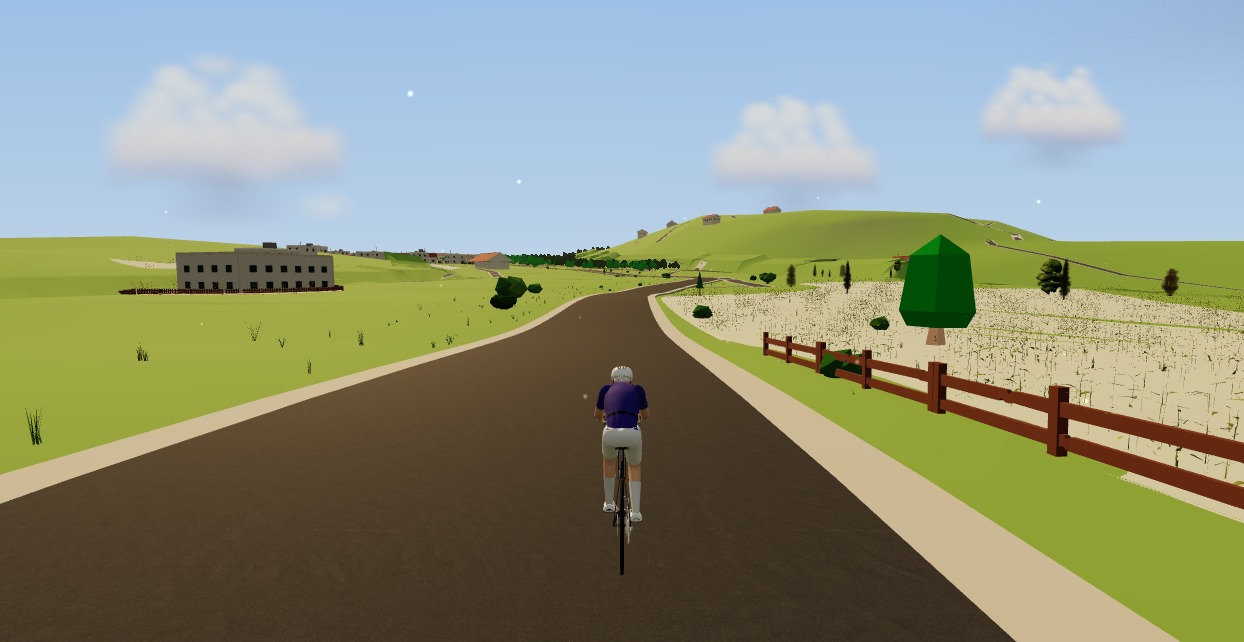
The best indoor cycling app for Mac (no download, runs in your browser)
Looking for an indoor cycling app for Mac that doesn't need a download? macOS runs a full smart-trainer session straight from a browser tab — pairing, ERG, real 3D roads and a Strava upload. Here's how, and the one thing to watch on Apple Silicon.

HRV for cyclists: is it worth tracking, and how to use it
Heart rate variability is a real physiological signal wrapped in a lot of noise. What it measures, how to record it so the number means something, and what HRV-guided training trials have and haven't shown.